


Spotify has grown massively in the last five years. The service boasts an approximate of 217 million active users, of which 100 million are premium subscribers. Spotify also offers users incredible exposure to new music through playlists. Playlists form a huge part of why Spotify has the success it has. There are different kinds of playlists on Spotify.
- Personal Playlists: Playlists that are created by artists to gain traction for their music.
- User Playlists: Regular users also have a chance to add their favorite songs into a playlist. This can be made public so others can also follow it.
- Editorial Playlists: This makes up a huge chunk of all the visible playlists. These are made of music compiled by Spotify’s editorial team. These receive maximum promotion.
- Algorithmic Playlists: Spotify has algorithms put in place to create playlists that have songs by artists that a user has listened to.
- Branded Playlists: These are playlists created by third-parties and major labels.
Getting followers on Spotify for your profile and your playlist can increase your exposure as an artist on the platform. Reputed services like SocioBlend pride themselves on helping you organically grow your Spotify profile.
(Buy Spotify Plays and Followers on a Budget)
An important point to note before diving into this is that these numbers are only visible on the Spotify Desktop Application. This might come as a disappointment for those who use Spotify only on their mobile devices. Currently, they support mainly Windows and Mac clients. They have a Linux supported version, which functions slightly lower than the others.
(Click here to download Spotify for your desktop)
How to check your Spotify profile followers count
Once you have your desktop applications downloaded, login to your Spotify account. Spotify makes finding your profile followers pretty simple.
Step1: Log in and proceed to click on your profile icon on the left top.
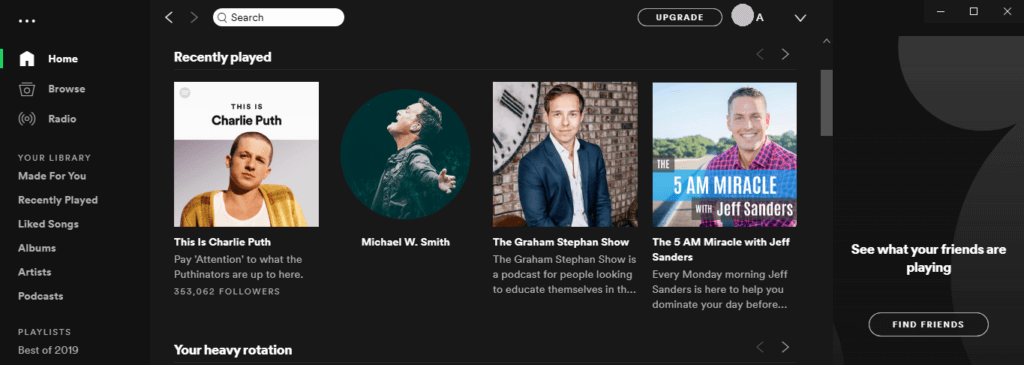
Step2: The next page displays the overview of your account, public playlists, following count, and followers’ count
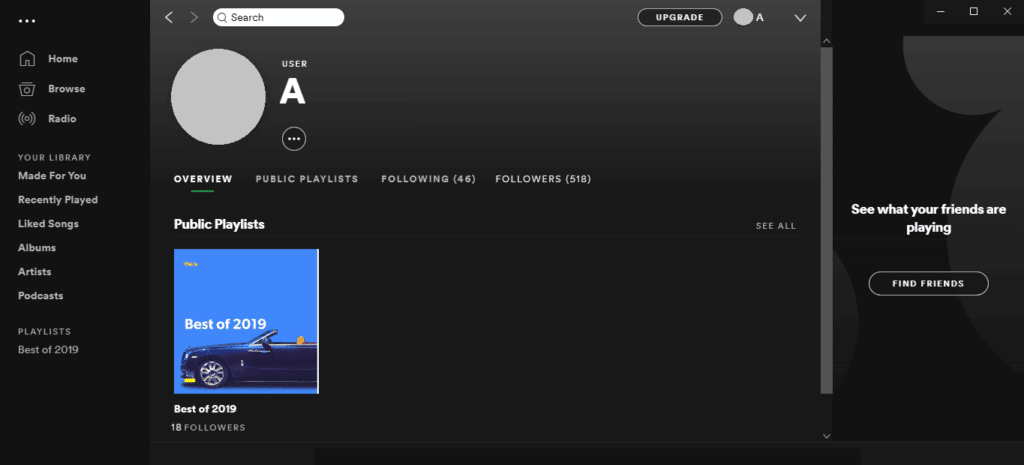
Step3: Proceed to click on followers to see the accounts that follow your profile.
How to check your Spotify public playlist count
Spotify is known for its model of sharing music. From sharing music, to even sharing playlists, this service has revolutionized the music-streaming industry. Spotify allows users and artists to create public playlists that other users can follow. Similar to the profile count, this too isn’t available on the mobile version. Set-up the desktop application to view these numbers.
There are two ways to view the number of followers.
First Method
Step1: Log in and proceed to click on your profile on the top left.
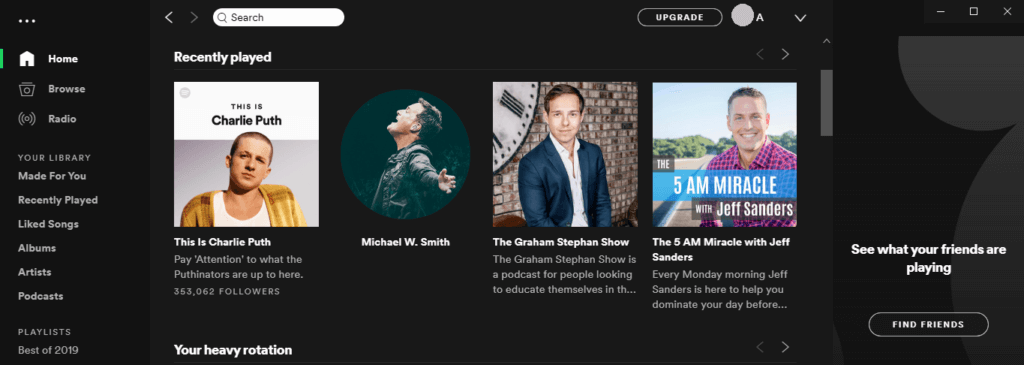
Step2: Click on the Public Playlist option to view all your public playlists.
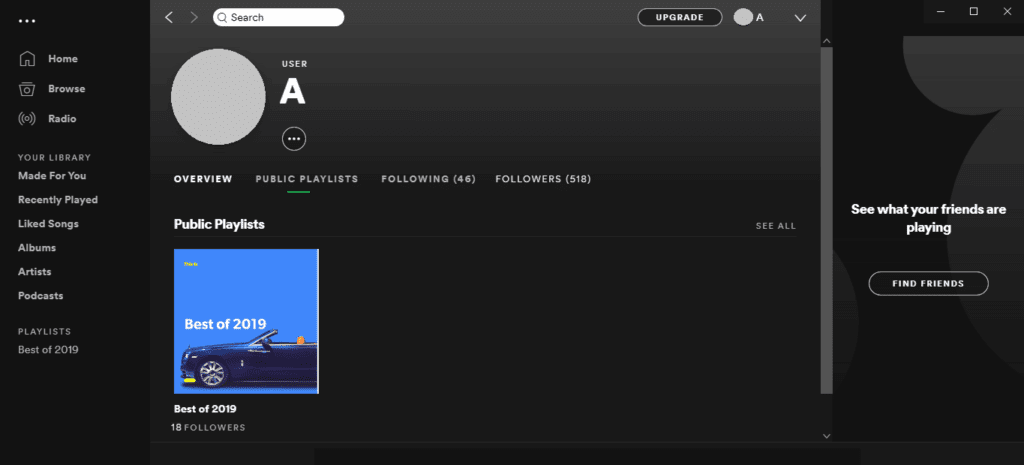
Step3: The number of followers should be mentioned right below the name of the playlist.
See also: Increase Spotify Plays with Royalty Eligible
Second Method
Step1: Log in and you should see a left panel with a section for playlists.
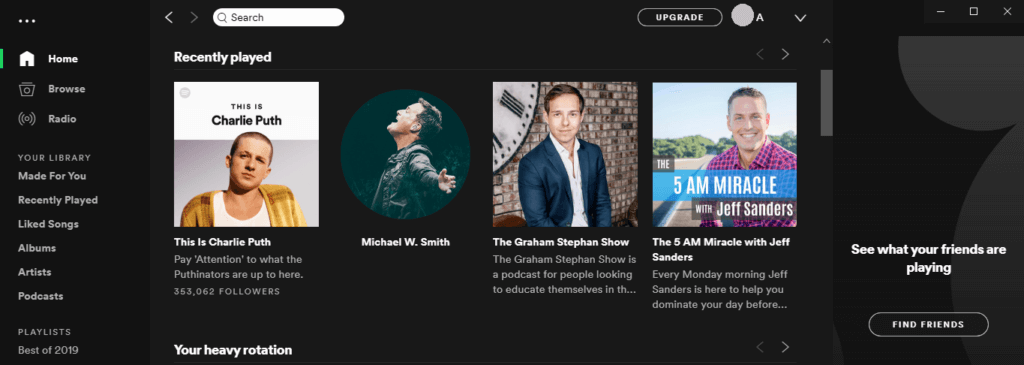
Step2: Click on the playlist whose count you wish to see.
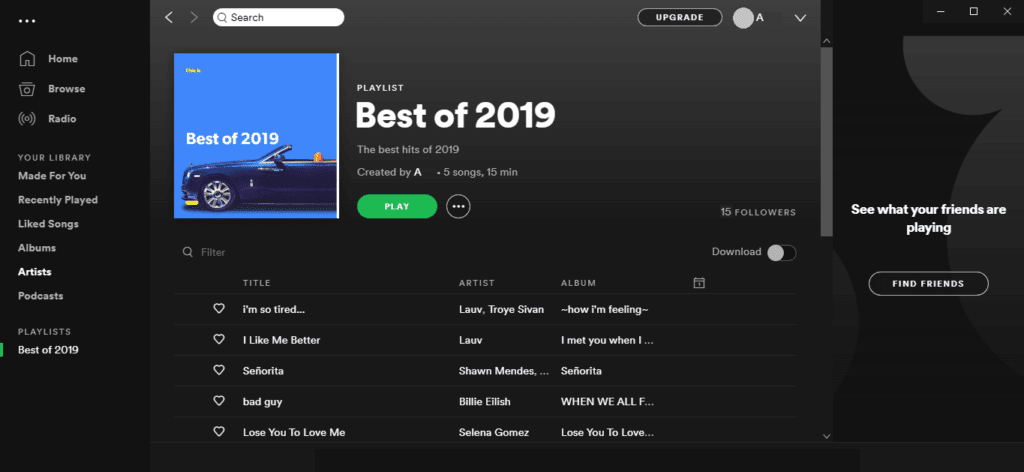
Step3: The next page is a detailed view of the chosen playlist. It includes all the songs on the list along with details such as the number of songs, total playtime, and most importantly, the number of followers this particular playlist has.
Bonus:
Spotify also allows artists to view the number of plays for their music. For the 7 days since its release, you will be able to see a live stream count that updates every 2 seconds. After this, it updates every day at 3 pm EST.
On the web, you can access this by going to the song stats section.On the app, you can access the live
