

The global music streaming industry is constantly growing at a rapid pace. With over 80 million paying subscribers today, Spotify is actually one of the largest streaming platforms in the music industry.
Spotify is a great place to listen to your favorite artists, songs, and albums. And for artists, this is a great place to grow fans, discover new and relevant artists, and promote their music. Also, streaming is one of the most effective ways for artists and bands to introduce their music to the wider world. One way to organically grow your Spotify fan base is to buy Spotify Monthly Followers and Plays. This can be done using trusted services like SocioBlend.
As an unsigned artist, many artists and bands can have serious problems as they have a hard time figuring out how to create their own Spotify stream. Fortunately, there are millions of playlist curators with a variety of tools that you can access as an unsigned artist.
As an unsigned artist, this guide gives you 6 tips on how to get more streams on Spotify.
1. Get Your Music On Spotify

The first step to being successful is uploading music to Spotify. However, Spotify does not provide the ability to upload music for free, like SoundCloud, Bandcamp, and YouTube. The best way to get music on Spotify is to use a record company or digital music distribution service.
However, if you are an independent artist, you need to prepare for live distribution. You can do this with the help of music distributors like DistroKid, TuneCore, and CDBaby. These services provide music to Spotify, Apple Music, Amazon Music, Pandora, Google Play, YouTube, and other major streaming platforms.
2. Get Verified On Spotify
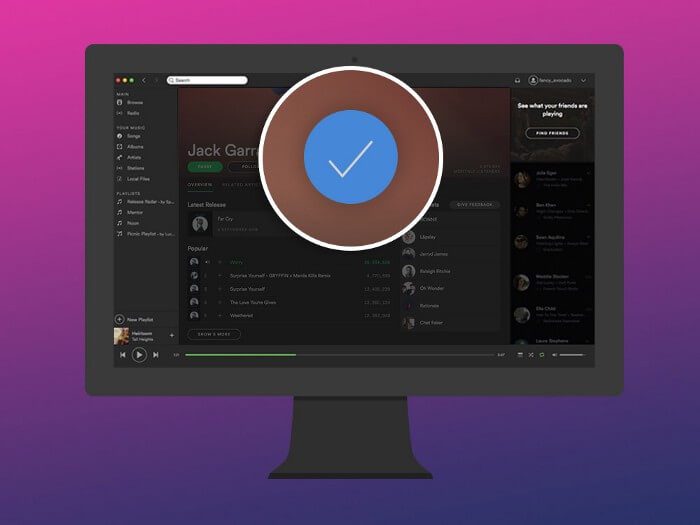
Make sure you Get Verified on Spotify as an artist as it gives access to Spotify fan insight and artist analytics. It also provides features like the ability to view streams statistic, create and submit artist playlists, and many more.
3. Create and Update Your Own Playlist
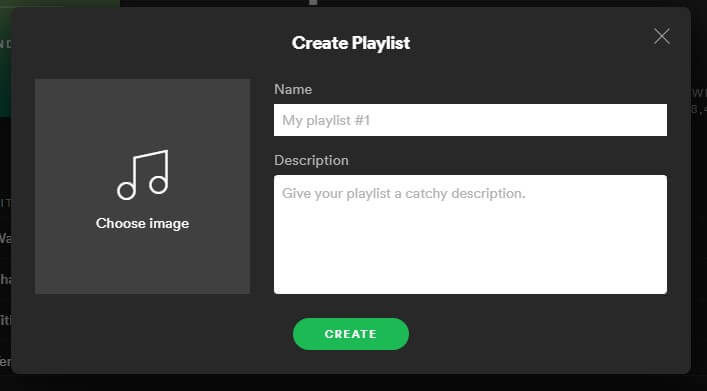
One of the most useful features of Spotify is Artist Playlist. Playlists are one of the fastest ways to deliver your music/songs to millions of potential listeners you can show your fans all about you.
The easiest way to get more streams and new followers is to create and regularly update your playlists. Create playlists with other artists, bands, and music. By supporting other artists of your genre and sharing playlists on a regular basis, you will affect and increase your chances of getting favor returned.
4. Use the Pre-Save Function
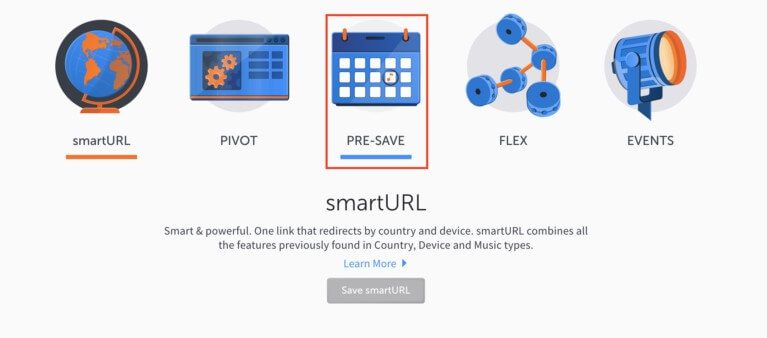
An easy way to improve your Spotify streaming is to use the platform’s pre-save feature. The pre-save campaign allows fans to save your upcoming song or album release in advance. This enables them to hear your song as soon as it becomes available and you are ready to make the most out of your first few streams. You can use websites like smartURL and DistroKid .
See also: 7 Tips to Get More Spotify Plays
5. Share Spotify Codes with Your Fans
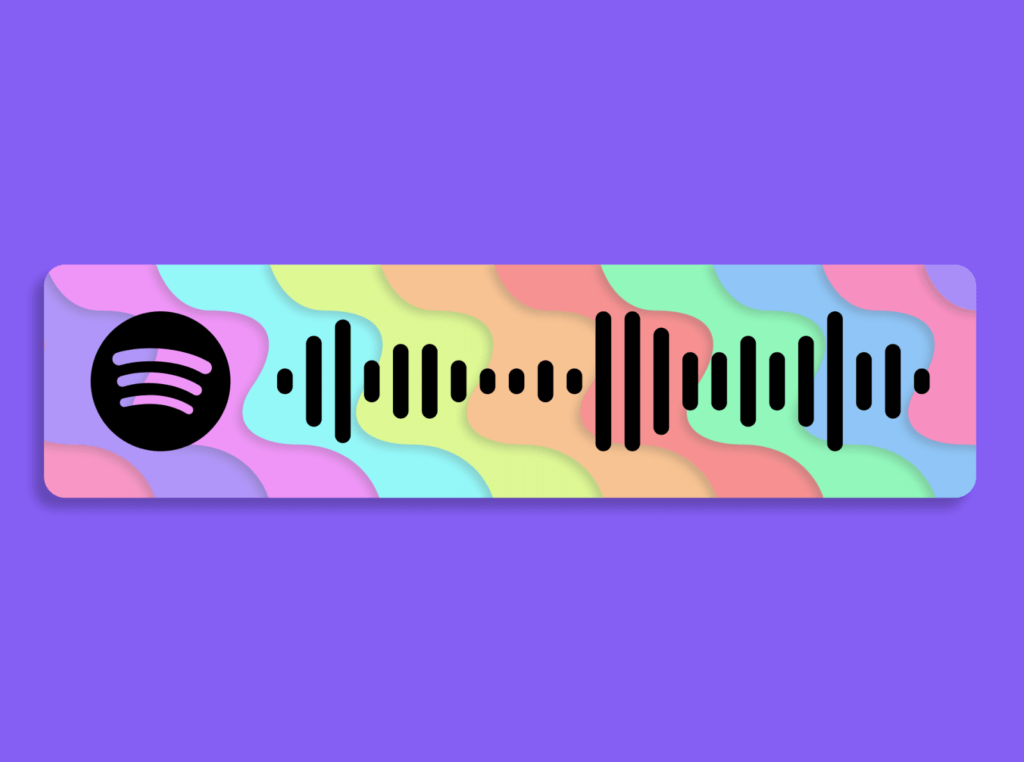
A Spotify code is a “scannable” QR tag used to share or search for content on Spotify. You can create local icons for artist profiles, brand profiles, playlists, albums, and songs. Plus, you can share Spotify code on social media, websites, and anywhere. You can add the Spotify URL code. Fans can scan the code using Spotify’s built-in scanner.
6. Use of Social Media

The best way to grow your Spotify page is to be active on social media. When you promote your songs or albums, make sure to use all the social media platforms. As regularly sharing Spotify links increases traffic to your page, making it easier for your music to get playlisted.
Hope you find this article helpful!
