


It’s finally here!
WhatsApp finally decided to release its Disappearing Messages feature that comes as a welcoming addition to an exponentially growing platform. Given the pandemic, people have been relying more on instant messaging even when it comes to contacts that fall outside their friends and family.
Did you have to text your location to a delivery guy and wished you didn’t have to keep that chat beyond a particular period?
Or maybe you had to contact someone on a one-time basis and do not need the chat saved for the future.
Or maybe you have a chat where history is of no significance at all.
Now as easy as it might be to delete the chat manually, it’s nice to have a system that deletes WhatsApp messages after a certain period automatically.
So here is how it works.
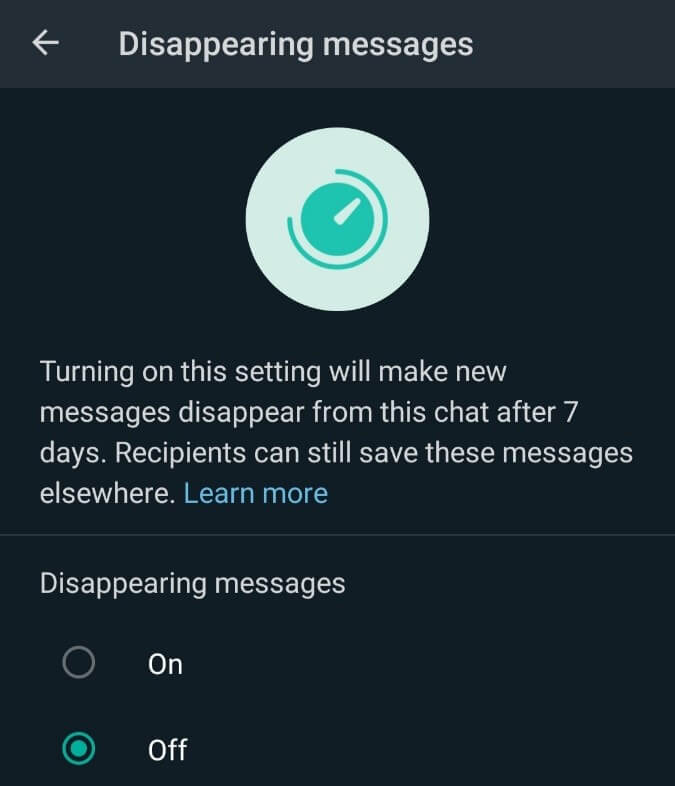
Once you enable disappearing messages for a particular chat, whether personal or group, messages sent in that chat have a validity of 7 days. After a week, WhatsApp deletes the message.
It, in turn, can help keep certain chats clean by removing old messages and media.
Important points to note when it comes to automatic deletion of messages
- This feature only affects messages sent AFTER the feature has been turned on. It does not affect previous messages and media.
- It follows similar rules as manual deletion of messages. Forwarded messages do not disappear if the destination chat has Disappearing Messages turned off. The message might be visible after seven days of it has been replied to (within the quotes, not the original message).
- If the receiver has auto-download turned on, then media disappears only from the chat and not from their gallery after seven days.
- In the case of group chats, only the admins have the right to turn Disappearing Messages on or off. This is mainly because it affects everyone who is part of the group.
- If someone takes a backup of the chat, those messages do not disappear from the backup after seven days. These messages stay forever in the backup, while it is deleted from the chat on the application.
How to use Disappearing Messages?
Now that you know what it is, here is how you can enable it on your chats. It’s pretty straightforward and requires only a few clicks.
Step 1: Open up your WhatsApp application on your mobile or desktop
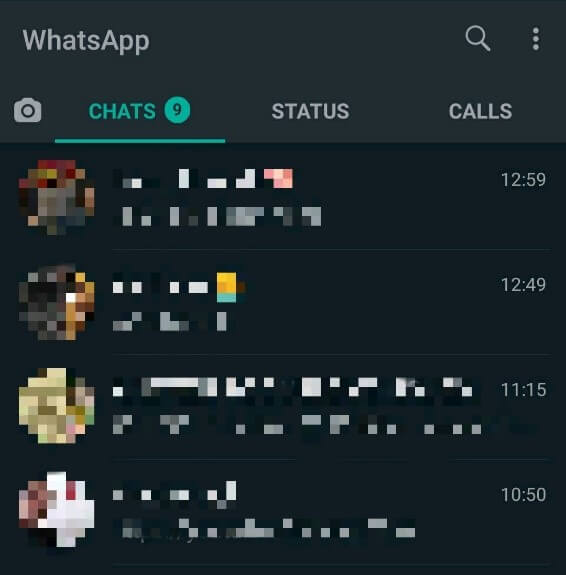
Step 2: Choose the contact who you want to use this feature on
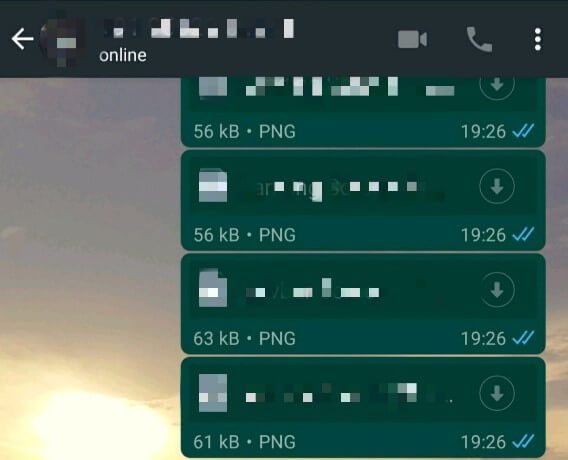
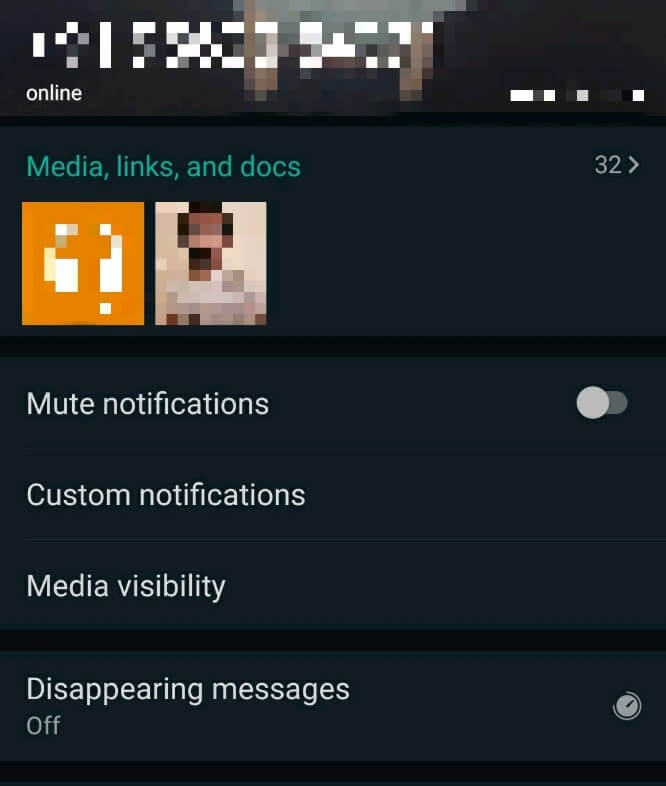
Step 3: Click on the profile, and you should see the “Disappearing Messages” option right above Encryption.
Step 4: Toggle between On and Off as per your requirements.
There you go. Now you know what it is, what to keep in mind, and how to go about enabling Disappearing Messages. One vital point to keep in mind is that though this allows automatic deletion of messages, there are multiple ways to work around this.
(See also: How to Send a Message on WhatsApp Without Adding as a Contact)
People could easily take screenshots, forward the message, or just a simple copy and paste before it is deleted. On the off chance that they aren’t able to take a screenshot, they always the option to take a picture using another mobile. The possibilities of saving the message somehow are endless. With that said, it only makes sense to use this feature with those who you trust or those whose chat is completely irrelevant once sent.
See how influencers reacted to another change that rocked the social media world in 2019.
New updates like these are always welcome and have a lot of potential to take the platform to the next level. WhatsApp had been teasing these updates for quite some time now, and it’s safe to say they haven’t disappeared and have delivered as expected.
Only time will tell how this new update ages and how users start to make the best use of it.
