

Windows Movie Maker was a popular video editing tool developed by Microsoft. Many people loved using the software because of its simplicity and easy-to-use interface. Unfortunately, since Microsoft discontinued the software, people have been looking for alternatives that can provide similar or even better features.
Luckily for you, we have compiled a list of the five best Windows Movie Maker alternatives that you can consider for your video editing projects.
5 Best Windows Movie Maker Alternatives
Here is the list of 5 best alternatives to Windows Movie Maker.
1. Adobe Premiere Pro
Ideal for: Experienced video editors
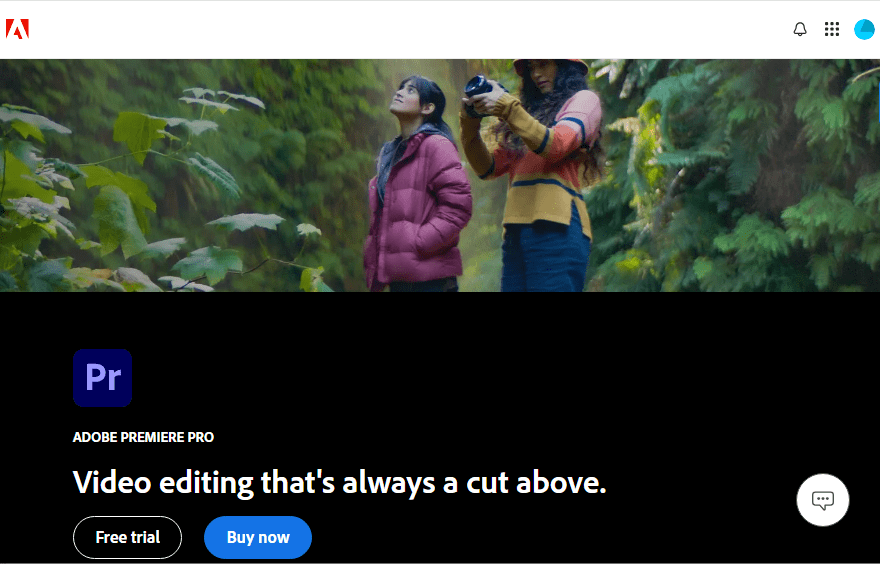
Adobe Premiere Pro is the best alternative to Windows Movie Maker. It is a feature-packed video editing software that enables the user to produce high-quality videos. The software can be used on Mac and Windows platforms, and therefore it is suitable for a wide range of users.
Features
- Non-linear editing: This allows for the rearrangement of video clips without affecting the original files.
- AI-Based Audio Tagging: AI-Based Audio Tagging is the latest feature in Adobe Premiere Pro. With this feature, the software uses artificial intelligence to automatically identify whether an audio file contains speech, music, or sound effects.
- Hardware Accelerated: It speeds up the editing process by using your computer’s hardware.
Pros
- Ideal for making high-quality videos.
- Multi-platform availability.
Cons
- You have to subscribe to access the best features.
- As compared to Movie Maker, Adobe Premiere Pro is complex.
Pricing
- Free Trial – 7 days
- Individuals – US$ 22.9/ month
- Teams – US$ 37.99/ month
You may also like to read: How to Create Never-Ending (Loop) Videos for Discord
2. Final Cut Pro
Ideal for: Beginners to Experienced video editors
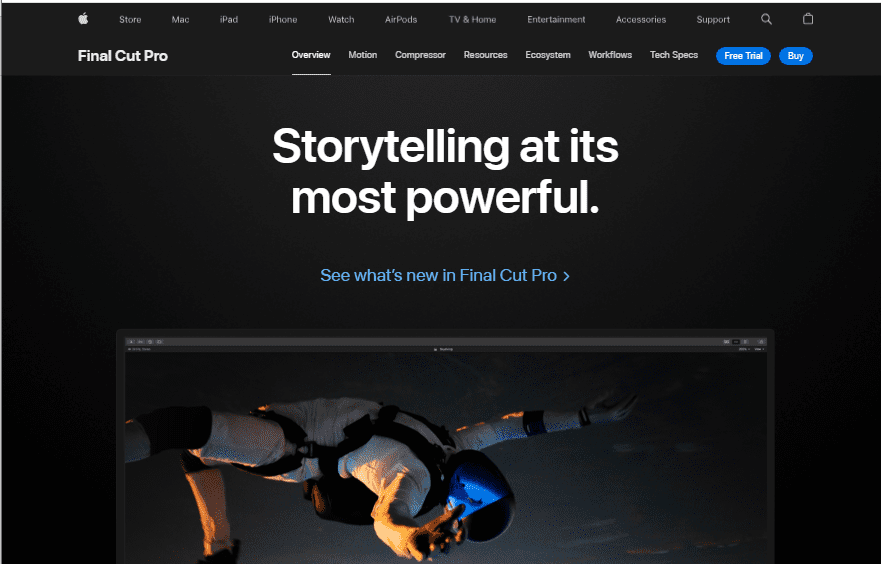
Final Cut Pro is a high-end video editing tool made by Apple. It is meant for experts who require advanced features for producing top-quality videos. FCP provides extensive editing features with a user-friendly interface, making it worth the price.
Features
- Magnetic Timeline: With this feature, editing is made simple as it closes gaps and syncs clips automatically.
- Multicam Editing: Seamlessly edit footage from different camera angles.
- 360° Video Editing: Supports editing for VR content.
- High Dynamic Range: It makes colors appear brighter and more real.
Pros
- It is easy to use.
- Excellent performance on Mac
- Updates are done regularly with additional features.
Cons
- Expensive
- Can only be used on Mac
- Difficult for beginners to learn
Pricing
- Final Cut Pro can be purchased from the Mac App Store for $299. 99.
3. DaVinci Resolve
Ideal for: Experienced Video editors
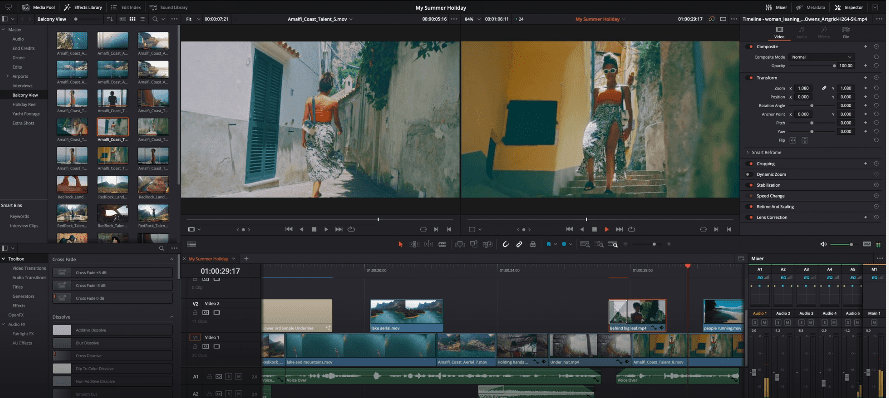
DaVinci Resolve is an extremely powerful tool for making professional videos. It has combined advanced color correction and professional multi-track editing features so that you can edit, color correct, finish, and deliver all from one system. This makes it a great alternative to Windows Movie Maker. The software is updated on a regular basis to stay updated with the newest advancements in the video editing world.
Features
- Color Correction: It has some of the best color grading tools.
- VFX Integration: Bundled with Fusion for visual effects.
- High-Resolution Support: It can edit in 8K.
- Audio Tools: It has all the tools one needs for comprehensive audio editing.
Pros
- Comes with professional tools.
- Even the free version has almost all the necessary features for editing videos.
Cons
- New users may find it complicated at first.
- A high-performance computer is required for its smooth operation.
Pricing
- Free version – Available
- Paid version – $295.
4. HitFilm Express
Ideal for: Beginners and Intermediate Video editors
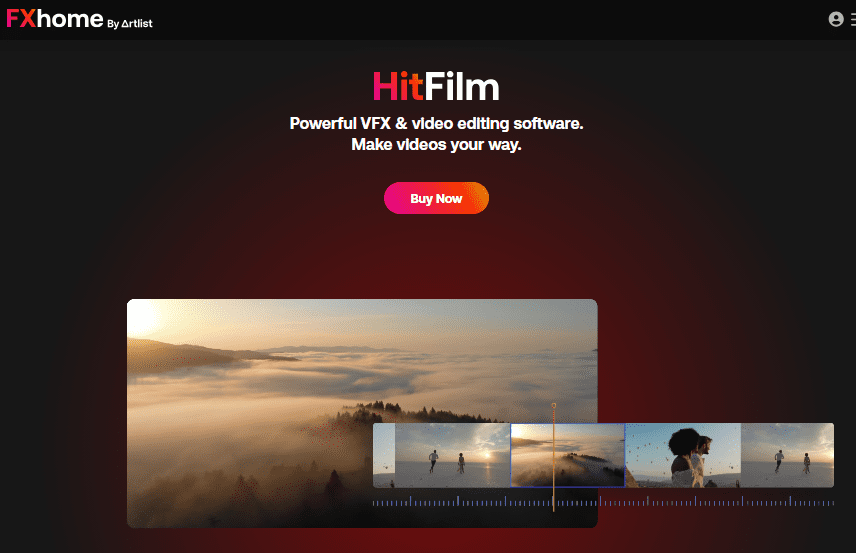
HitFilm Express is another video editing software with a combination of professional tools and an easy-to-use interface. The package is one of the most cost-effective ones in the best video editing software category, as HitFilm Express provides many great features at no cost, but users can pay for additional ones.
Features
- Integrated VFX software that enables users to make breath-taking visual effects without any need for extra programs.
- There is a built-in Voice recorder.
Pros
- Easy-to-use timeline
- Edit while exporting.
Cons
- Demanding system specifications
- Poor export performance
Pricing
- Trial version – Available
- Creator – $7.99
- Pro – $12.99
Also read: 7 Tips to Improve Quality of your YouTube Videos
5. Lightworks
Ideal for: Intermediate and Advanced Editors
Lightworks is a video editing software that professionals in the film and television industries have used. For individuals interested in something other than Windows Movie Maker, this program provides an excellent alternative with many different options available to users.
Features
- Transition effects: There are a variety of options that ensure a seamless flow from one clip to the next, all with stunning visual appeal.
- Motion Graphics: Create stunning videos by spicing up your work with some unique elegant motion graphics.
- Filters and LUTs: Different filters and LUTs can be used to give your project a professional look.
- Auto save function: This feature will automatically save your work so that in case of a crash or other errors, you don’t lose any project.
Pros
- The software has powerful features and effects.
- One can personalize the interface extensively.
- Editing is available on several tracks.
Cons
- Difficult to learn.
- Comparatively, it is a little expensive.
- Only the 720p export limit is allowed on the free version.
Pricing
- Free version – Available
- Lightworks Create – $13.99/month
- Lightworks Pro – $27.99/month
Conclusion
Choosing the right video editing software can really help with your videos. It doesn’t matter if you are new to video editing or a professional, we have something for you that’s definitely better than Windows Movie Maker. If you want to keep things simple, try HitFilm Express, or Final Cut Pro. If you are after something more advanced, we recommend Adobe Premiere Pro and Lightworks. Remember to consider the features of each software to ensure it meets your requirements.
