


LinkedIn is a trusted, certified professional social network and an official product of Microsoft, which has got revamped in many ways this year. The re-designed version of LinkedIn is certainly easier to use and sorted for the eyes in comparison to the previous version. It’s not only about the looks, but its features and tools are quite simple to manage. You can go through old threads and keep track of the activities in a systematic manner. Basically, LinkedIn has transformed its outlook for the users in order to improve in establishing new connections, optimization of profiles and monitoring of the content performance. All these factors were the prior concern, which is why you will find the following list of features that have been improved for good:
New sleek appearance
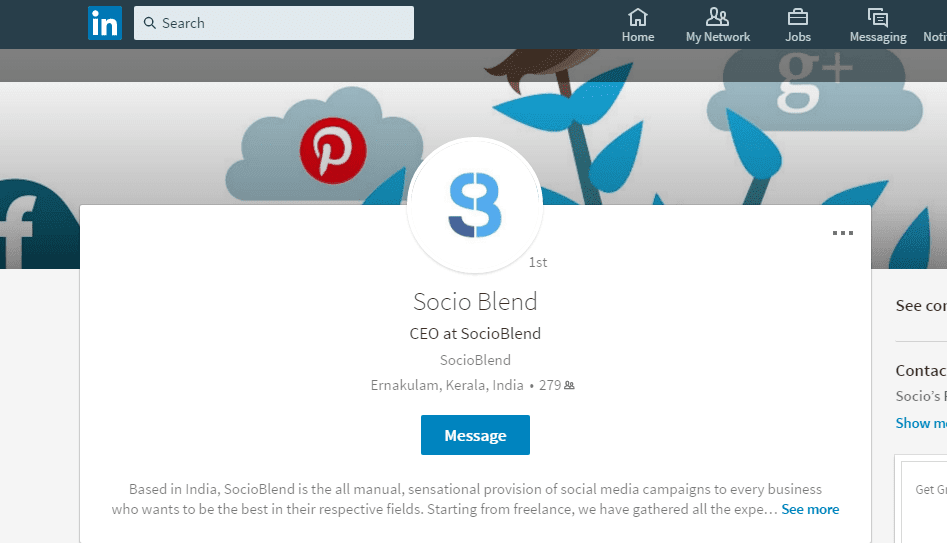
LinkedIn has added a noticeable improvement in the desktop appearance of the platform. Now, you can see a variety of options on the left side of the page, while on the right side an upgraded navigation bar that comprises of seven core areas such as Home, Messaging, Notifications, Jobs, Me, My network and Search. Personal profile page includes profile picture in circular format, overlaid on the background photo, plus your home page includes condensed profile picture on the left side, along with the posts on the page.
Real-time messaging

It’s one of the most interesting and fun additions till now, at least on LinkedIn. In a way, LinkedIn adapted real-time messaging feature on its platform, which is quite similar to the Facebook’s messenger. Still many details are missing and hazy but it’s expected to release this messaging system on the mobiles soon. According to some reports, this service will include chat bots to drive it efficiently as well. Though it’s not an original concept to come up with, but it will definitely abridge the boundaries and restrictions due to a highly formal interactive format that LinkedIn follows.
Advanced search options
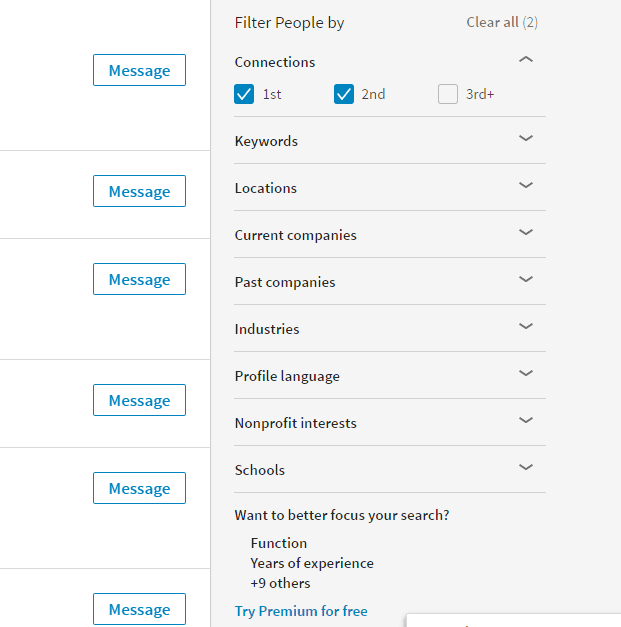
The latest enhancement to the search option has added even more value to it as the advanced search feature enable you to find out precise results by using filters. For example, if you are searching for a job at a specific company, you will type ‘name’ in the search bar and then it filters results on Search Engine Results Page (SERP).
Another addition is that you can find out things quickly, search operators would like it more as it filters accurate results as per your topic. It’s a simplified way to find out exact results based on location, industry, company, language, interest area, etc. However, to be able to save searches is something you would find in Premium or Sales navigator account.
See also: Get LinkedIn Endorsements.
Find out who viewed your profile
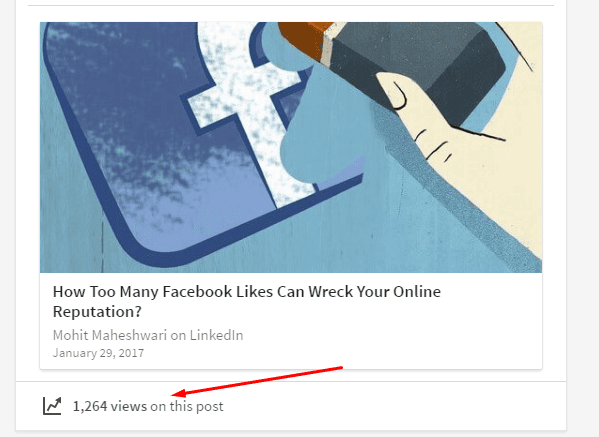
LinkedIn assists you to know who is viewing your profile or has shown interest in your profile. But now this feature has took a leap, which means now you can find out who has read your post. In case, you prefer to keep your account private or semi-private modes are active, then it won’t be able to provide you this facility. Undoubtedly, it’s a useful step ahead in order to empower the user by giving them the ability to know and understand the readers’ response and suitable content for your target readers. It would provide a brief insight about what is being consumed and shared that would become a deciding factor while targeting and identifying in future.
See also:
Improved algorithm

LinkedIn claims to have an algorithm for manual curation and automation as well. The automated algorithm will show your past activities into along with the new, while the human curation will bring in more Pulse content in to the feed. It is assumed that LinkedIn has done it to improve monetization as earlier it wasn’t useful enough in terms of social feeds. Therefore, superior algorithm is a smart step, which will take LinkedIn ahead in a positive direction.
