


Blocking someone on Snapchat is the digital version of a “hard reset.” It is more than just unfriending someone. The moment you confirm the block, you become a ghost to them. Their access to your Snaps vanishes, and your entire account evaporates from their search results.
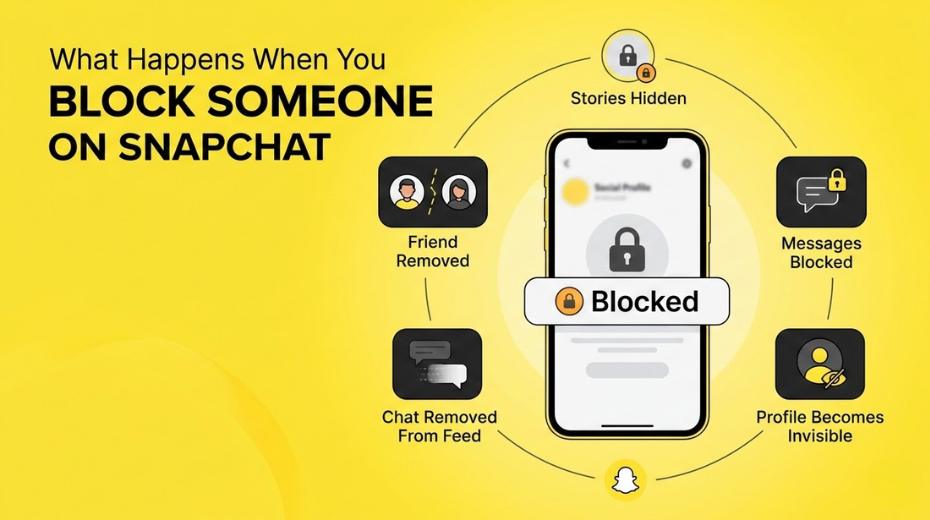
The Immediate Fallout: What Happens Right Away
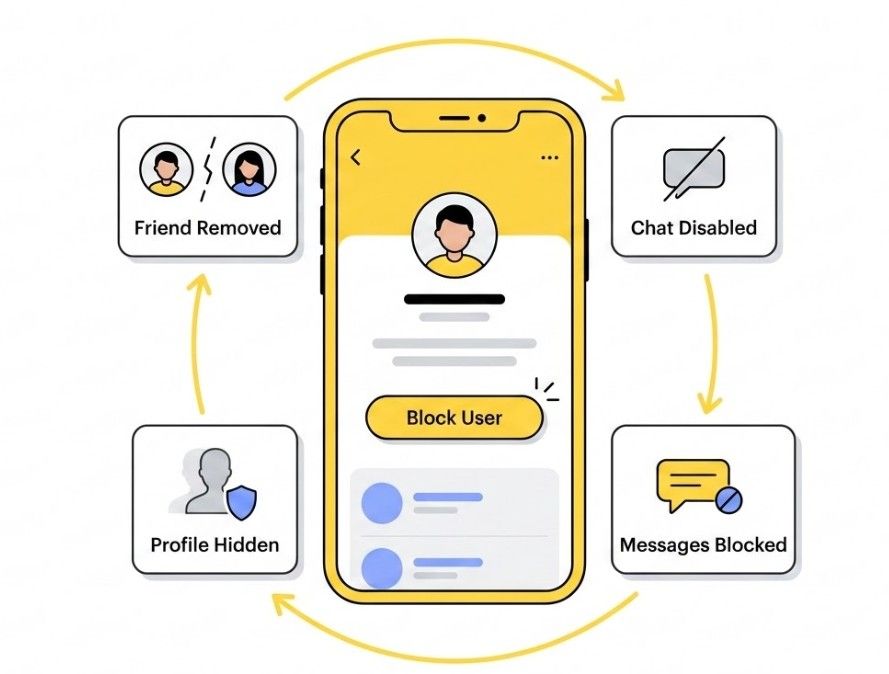
The app executes a series of actions the second you confirm the block:
- The Vanishing Act: They are scrubbed from your friend list instantly.
- Communication Blackout: They lose the ability to send you Snaps or Chats. There is no “try again later” for them.
- Chat Cleanup: The conversation thread vanishes from your Chat feed so you don’t have to look at it.
- The Invisibility Cloak: Your profile becomes a ghost. Even if they type your exact username into the search bar, you will not show up.
Will They Know You Blocked Them?
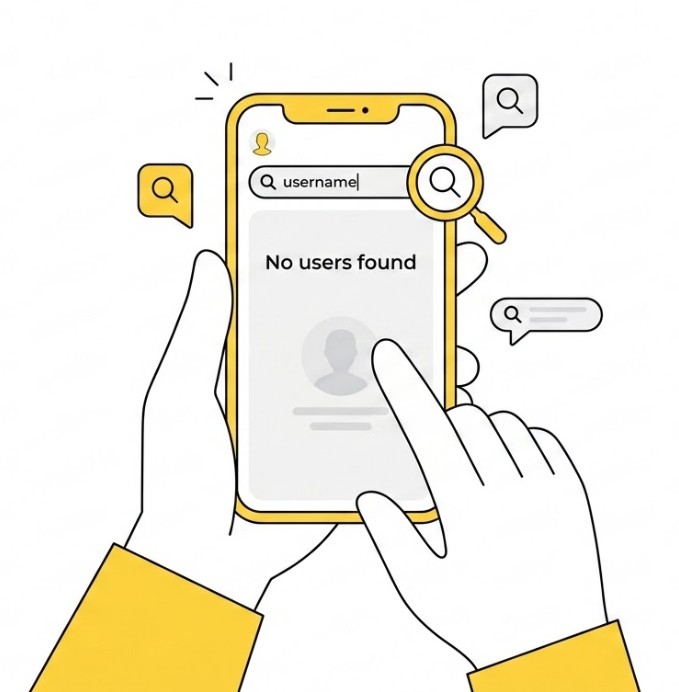
Snapchat is discreet. It does not send a notification or a “You’ve been blocked” alert. However, a person with a little digital intuition can usually figure it out through a few clues:
- Pending Messages: If they try to send you a message, it will usually sit as “Pending” forever. It never delivers.
- The Search Test: If they search for your name and get zero results, but their friend can find you easily, they know what happened.
- Snap Map: Your Bitmoji vanishes from their map entirely. If you were sharing locations, that link is broken.
Blocking also affects how your content appears across the platform. Even public Stories and profile visibility disappear for the blocked user. This is important for creators trying to build visibility on Snapchat, especially those aiming for creator programs like Snap Star.
If you’re curious how creators actually earn that badge, check this guide on Snap Star requirements, perks, and how to apply.
What Happens to Your Chat History?
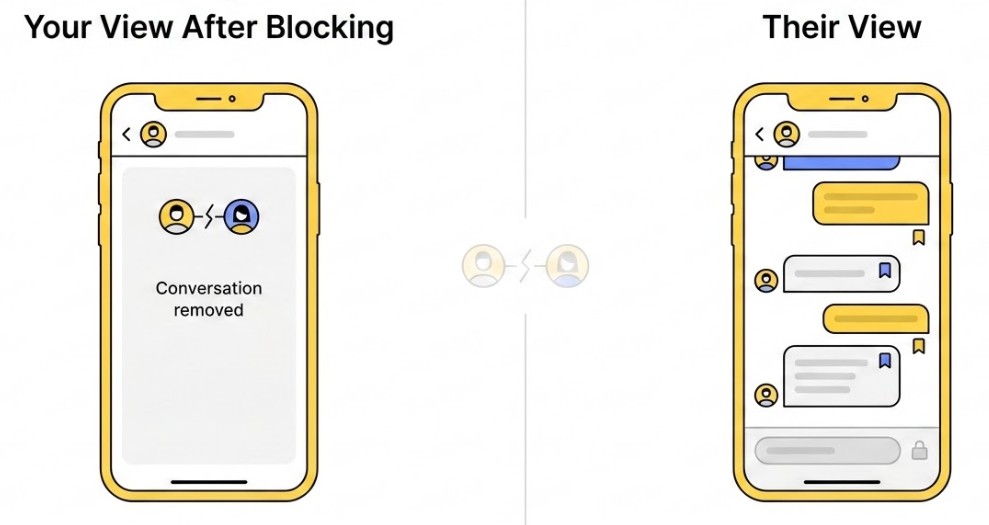
Blocking does not always wipe the slate clean for both sides. Your chat thread will disappear from your own feed, but any messages they “saved” might still be visible on their end.
Think of it like a locked diary: they can still read the old pages from the past, but they are physically barred from writing anything new.
Can a Blocked Person See Your Stories?
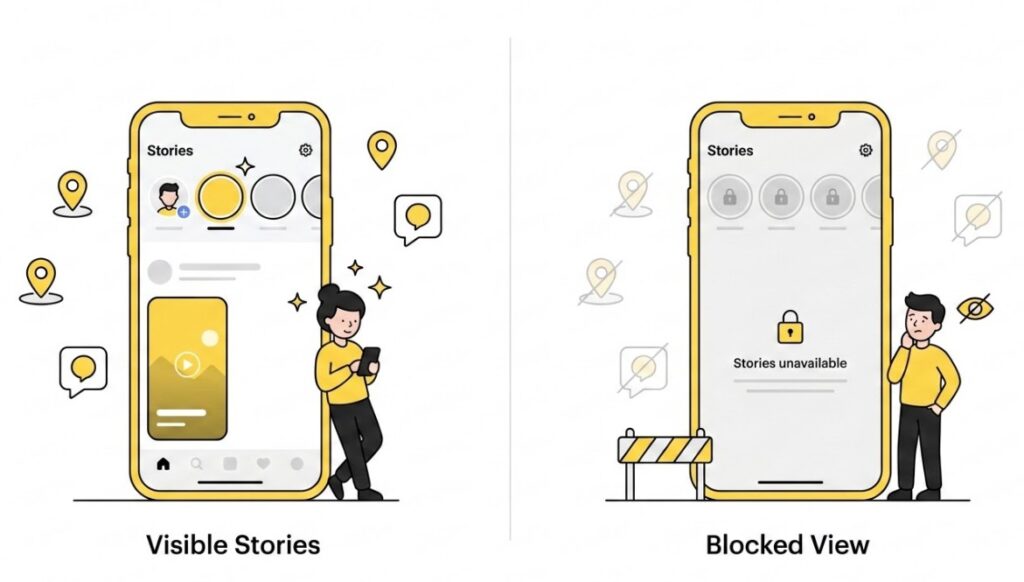
No. Blocking acts as a total partition for your content:
- Public Stories: These are hidden from the blocked user.
- Private Stories: They are kicked off the viewing list immediately.
- Snap Map: Your location disappears, and you no longer exist to them on the map.
Blocking vs. Removing: What Is the Difference?
These two actions serve different purposes. Removing a friend is a “soft” break: they can still find your profile, see your public stories, and potentially send you a new friend request.
Blocking is a “hard” break. It ensures the other person cannot find you, interact with you, or even see that your account still exists.
Changing Your Mind Later
If you decide to reverse the decision, keep in mind that unblocking does not fix the friendship automatically. Because the block deleted the “friend” status, you will have to find their username and send a fresh friend request to start sharing Snaps again.
If you are ready to walk back the decision, you can follow this guide on how to unblock someone on Snapchat in 60 seconds to see exactly how the process works.
Frequently Asked Questions
1. Does blocking someone delete the messages we already sent? No. Blocking removes the conversation from your view, but any messages the other person “saved” in the chat will remain on their end. They can still look at those old messages, but they cannot send you anything new.
2. What happens to our Snapstreak if I block them? Your Snapstreak will end immediately. Since blocking removes you from each other’s friend lists and cuts off all communication, the streak has no way to continue and will vanish within 24 hours.
3. Can a blocked person still see my public Stories? Typically, no. Once you block someone, your account becomes invisible to them, including your Stories. However, if you have a “Public Profile” and post to Spotlight or Public Stories, they might still see that content if they stumble upon it while logged out or using a different account.
4. Will they be notified that I blocked them? Snapchat does not send a notification. The app is designed to be discreet to avoid drama. They will only find out if they notice your profile has vanished from their friends list or if their messages to you stay “Pending” forever.
5. Can I block someone who isn’t on my friend list? Yes. If a stranger is bothering you, you can tap on their profile (even from a search or a group chat) and select Manage Friendship to block them. This ensures they can never contact you or find your profile again.
