

Ever since its launch in 2006, Spotify has become one of the top music streaming services rivaling the likes of Play Music, Apple Music, and YouTube Music. Spotify has a monthly active user count of about 250 million, with almost 100 million of them being paid subscribers. With its launch in India in February 2019, an additional 2 million users were added solely from India. Spotify’s potential in the music industry makes it necessary to know how to upload music on Spotify as an artist.
Spotify also boasts a massive 50 million tracks in its repertoire, making it a goldmine of music for listeners. The app has also served as a platform for independent artists to gain massive recognition through their music.
The most listened to song on Spotify in 2019 is “Senorita” by Shawn Mendes raking in 1 billion streams (and counting), while the spot for all-time, most streamed song is still held by Ed Sheeran for “Shape Of You” which has raked in a whopping 2.3 billion streams till date.
The most important thing to note is that, unlike SoundCloud, you cannot simply upload your music directly to Spotify. The service believes in curated music and maintains a standard for the music they deliver to their listeners.
(Read Also: Spotify Will No Longer Allow the Artists to Upload Their Music Directly)
Here is your best way to upload music on Spotify:
Step1: Get in touch with a DSP
The first and most important step is to get in touch with a Digital Service Provider. They will be responsible for submitting your music to different streaming platforms. As an artist, you should always look to get your music onto the maximum number of streaming services. This will massively boost your chances of being seen online, which is what most artists struggle with.
The only catch is that this might cost you a small fee. For all the services you are going to receive from these providers, the fee is more of an investment rather than a loss.
Here are 3 highly recommended DSPs to get your music released onto Spotify:
If “How to upload to Spotify for free” is what you’re looking for, then check out:
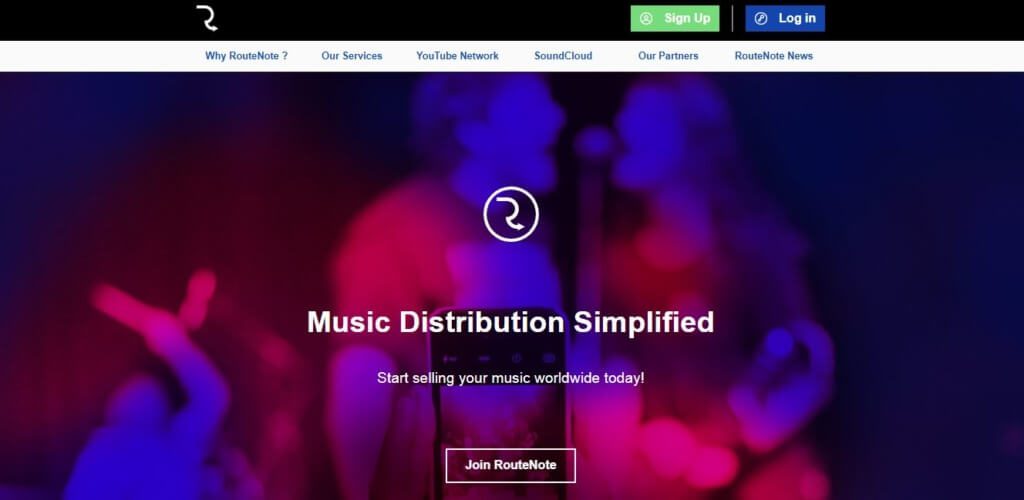
- This DSP doesn’t charge a fee for their services.
- They post to 20 streaming services (including Spotify)
- They take 15% of the profits earned for the tracks.
- To avoid giving away 15%, pay a small fee and receive 100% of the royalties (The choice is yours, and you can change it at any time).
- They don’t charge any fee for the services they offer.
- They take 15% of the royalties earned for your music.
- There is an application process to get through after which you will be selected.
- They help your marketing and organize regular campaigns to boost your music.
(See also: 5 Features in Spotify That Makes It Stand out of Other Music Streaming Apps )
If you can afford to pay a small fee and receive more features, then check out:
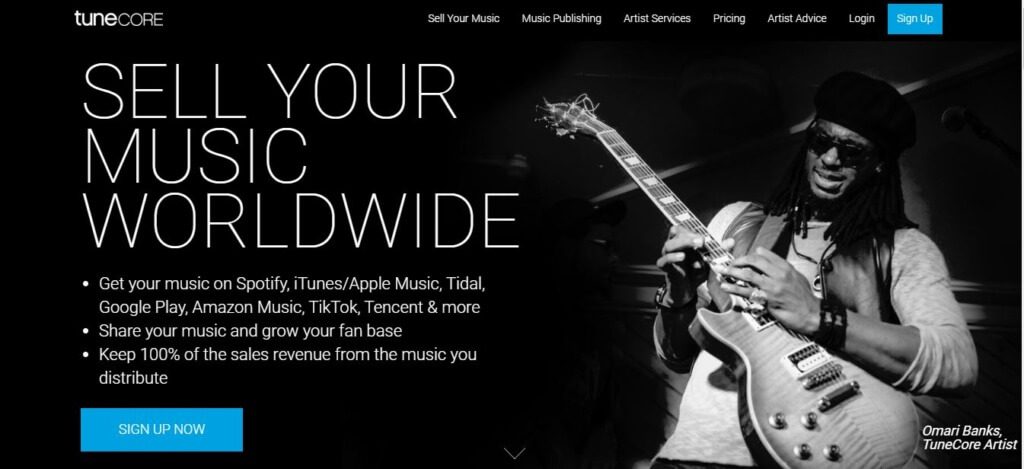
- They offer a paid service that renews annually.
- They distribute songs to all major and minor music streaming services, ensuring maximum coverage of your material.
- A single release will set you back $9.99, while 2 or more releases will set you back $29.99 annually.
- You receive 100% of the profits from the songs.
- You receive a custom report for all the sales.
- You receive a media player for free
- You get custom cover art for your music
Step2: Create/Claim your Spotify for Artists profile
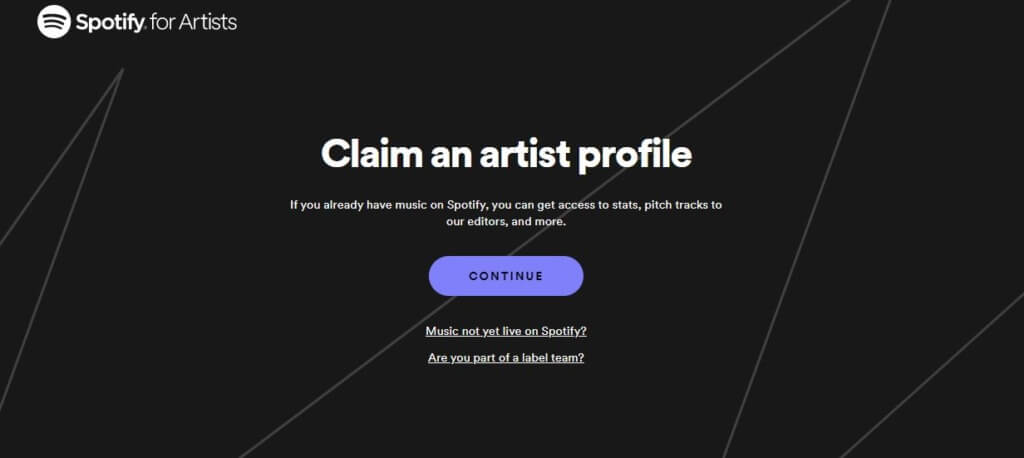
Claim your artist profile and set your account up. If you have doubts relating to Spotify for Artists, check out their common FAQ.
Step3: Personalize It
Upload your artist profile picture, create a short bio for your listeners, and highlight your favorite tracks that you are most proud of.
Step4: Submit your music for Playlist curation
Once you’ve gotten yourself a DSP and once your music and profile are live on Spotify, the next big thing that will boost your visibility is getting your music onto Spotify’s curated playlists.
Another method to grow your fan base and improve your online visibility without wasting any time is to use buy Spotify Followers. that organically grow your account’s numbers. The process is quite simple, and the prices are highly competitive.
Spotify is available in more than 79 markets and is continuously looking to expand. With that being said, now that you know how to upload songs onto Spotify, the faster you release your music into the platform, the bigger your head start will be over competitors.
