

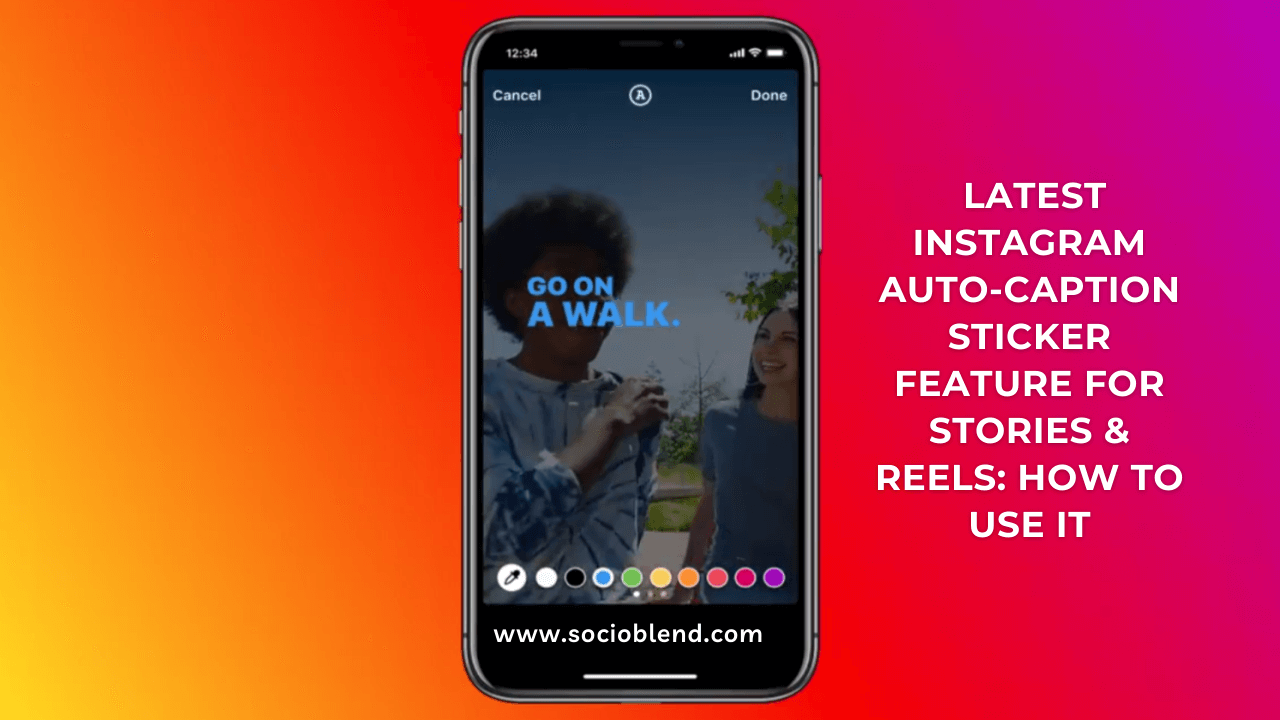
Instagram is one of the most popular and engaging social media platforms with some exciting features like Reels, Instagram Stories, IGTV videos, etc., to its users. To make the experience more exciting & convenient, Instagram has announced to launch the new Auto-Caption Stickers feature in the stories, which will automatically transcribe the speech in Instagram Stories to let viewers see the real-time subtitles. The caption feature was already available in the IGTV and Threads app, but now you will be able to use it in your Reels & Stories as well. Let’s see how Instagram Auto-Caption Stickers works for stories and how you can creatively use them on your account.
How can Instagram Auto-Caption Stickers feature be beneficial for creators?
According to Instagram Chief Adam Mosseri, the platform receives many “Sound Off” requests in Video Content. By allowing users to read the caption in the stories & reels, the auto-captions sticker feature will surely enhance the user experience and creator’s content reach. This new feature will ensure that your stories can be understood in both Sound On & Sound OFF scenarios.
Instagram Auto-Caption Stickers are indeed going to add a fun element in the stories & reels to maximize the engagement and reach. Since the captions will be available only in the English Language Now, the feature is limited to Only English Speaking Regions/Countries for now, but soon it will be available in more languages and regions to use.
Like other text options in Stories, Auto-Caption Stickers can also be edited and styled by changing their font, text color, placement, etc., to enhance the experience and content accuracy. Users can edit particular words or spelling to correct if it gets transcribed wrongly in Auto-Captions due to atypical speech or accent problems. Currently, there is no such option to highlight the text for better visual contrast, but you can use a sticker or draw tool behind the caption to make them more visible to see.
Also Check: Instagram’s Latest Show or Hide Likes Feature
How to Use Auto-Caption Stickers in Stories and Reels to make them more Engaging?
Instagram Auto-Caption Stickers feature can be implemented in Stories and Reels in the two following ways:
1st Way: Using the Caption Sticker
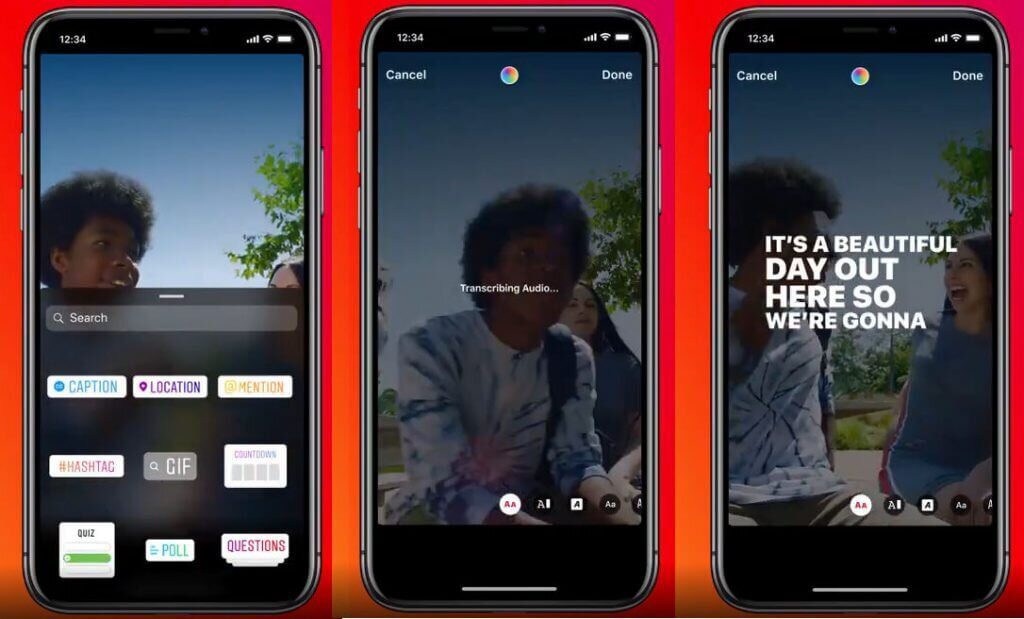
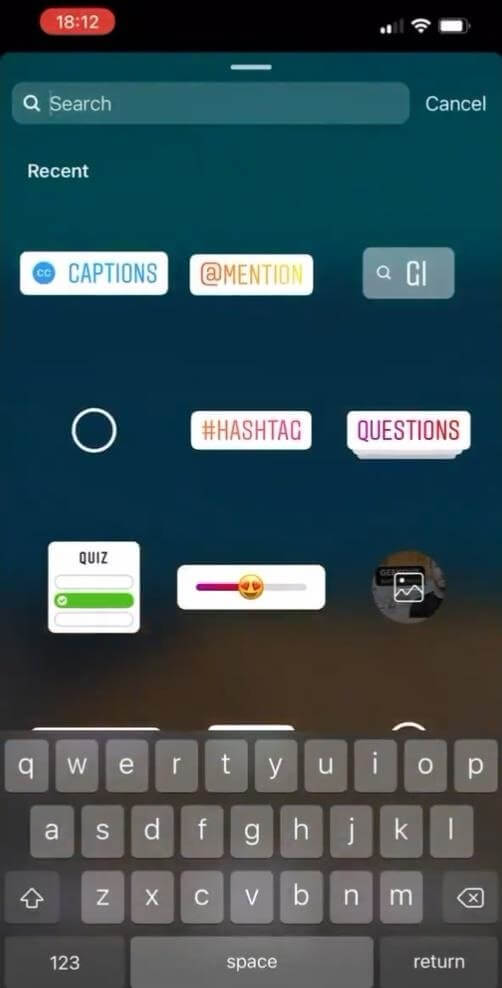
- Choose a video to share as a story on your account. Now before sharing it, search the “Stickers” button on the preview page.
- Among the various stickers option, look for the Caption button and click to apply it in your story.
- Once you apply the Caption button, it will transcribe the video’s audio.
- Now tap on the transcript to edit its color, font & placement according to your interest. To change the color, tap on the Colour Picker at the top and similarly on the Font Option below to change the font.
2nd Way: Auto-Generated Captions via Settings Toggle
Another way to add auto-captions in your stories is by setting up the automated video captions via setting toggle in the app. To do this, follow these steps:
- Click on the Three-Dot Menu from the main Instagram screen.
- Select Story Settings and look for the Accessibility option.
- You will find an option to Turn On Auto-Generated Captions. Turn it on to get auto-captions for your videos.
Interested: How to Get Swipe Up Feature on Instagram
Final Words!
Instagram Auto-Caption Stickers feature for Stories and Reels will surely be the handy way to boost your engagement. The feature is available in the updated version of the app. If you have an updated app and still cannot find it, it might not be available in your region yet, so wait for it. If you have already found this feature, then share your experience/queries with us in the comments!
