

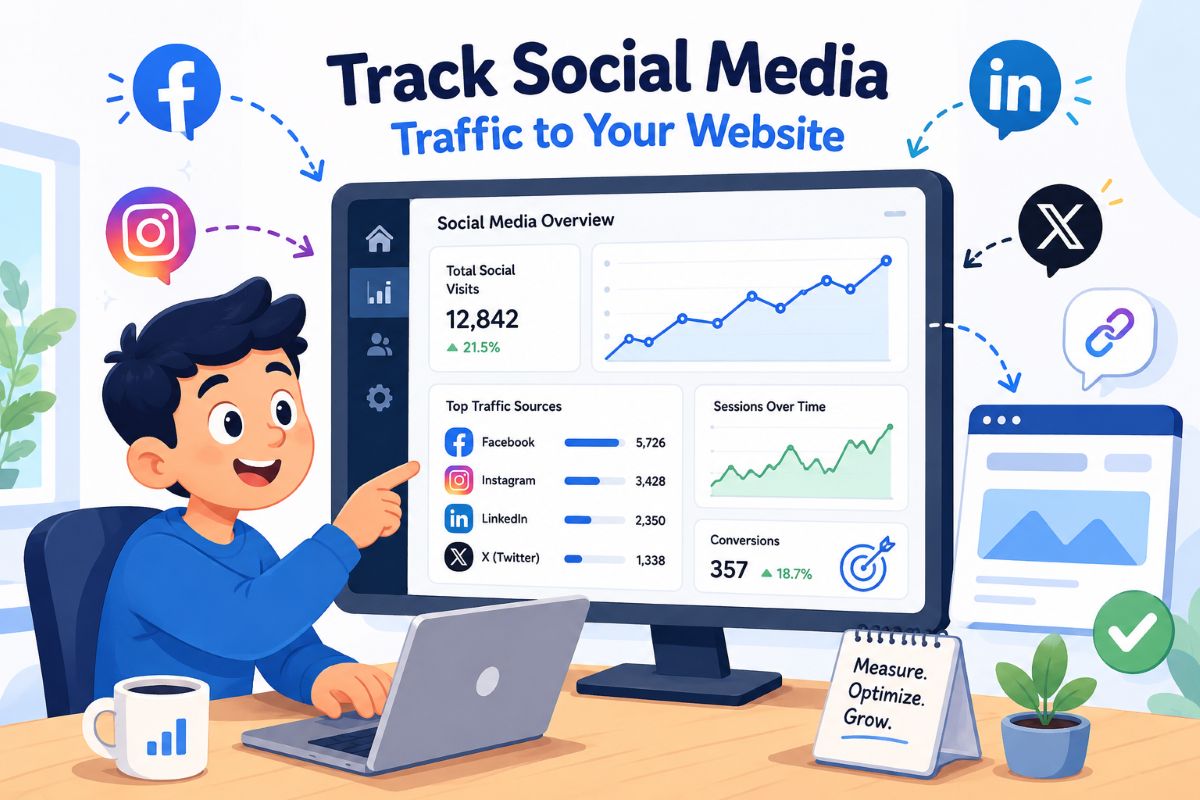
If you run a local service business, whether it is a small law firm, a healthcare clinic, or a home repair company, you are likely putting serious effort into your social media presence. Nearly 70% of the global population uses at least one social platform, making it an undeniable opportunity to reach new clients in your area. But effort does not automatically equal return on investment. If you cannot measure exactly how many of those scrollers actually make it to your website, you are essentially marketing in the dark. You might be spending hours crafting the perfect Facebook post or LinkedIn update, only to wonder if anyone is actually booking your services because of it.
Right now, social networks drive roughly 10% of all global website traffic, according to 2025 data from Similarweb. Yet, when we speak to business owners, many struggle to prove that their specific posts are contributing to their bottom line. The problem is rarely a lack of data; social platforms bombard you with numbers. The real challenge is isolating the metrics that actually matter for your business.
The goal of this guide is to help you measure social media website traffic accurately, moving beyond vanity metrics to track real human visitors. We are going to walk through this together, from choosing the right numbers to watch, to setting up Google Analytics and using tracking tags correctly. And do not worry, none of this requires a degree in data science. It is about setting up a clear, honest feedback loop so you know exactly which efforts are turning followers into paying clients.
Also read: LinkedIn Algorithm Explained: How LinkedIn Really Decides Who Sees Your Posts
Choose the Social Media Traffic Metrics to Track
Think of your analytics dashboard as a dashboard in a car. If you stare at the radio dial instead of the speedometer, you will not know how fast you are going, let alone whether you are heading in the right direction. The most common mistake we see is business owners obsessing over vanity metrics, such as likes, shares, and follower counts, while ignoring the numbers that actually signal business growth. It feels good to see a post get a hundred likes, but if none of those people click through to read your advice or view your services, the business value of that post is practically zero.
You need to track the metrics that measure intent and action. Start with click-through rate (CTR), which is the percentage of people who saw your post and actually tapped the link. The average CTR across social platforms sits at around 1.2%, according to Sender.net‘s 2026 statistics. If your posts consistently beat that average, your content is resonating. But CTR only tells you what happens on the platform.
Once a visitor lands on your site, shift your focus to engagement rate and average engagement time. In Google Analytics, an engaged session is defined as a visit that lasts at least ten seconds, touches two or more pages, or results in a conversion. If your social media website traffic shows a high CTR but a terrible engagement rate, your posts might be writing cheques your website cannot cash. Finally, track key events, which are the actual conversions you care about, such as form fills, phone calls, or booked appointments.
If you operate in a high-trust field like healthcare or law, remember that your audience holds you to heightened standards. Search engines apply strict YMYL (Your Money or Your Life) criteria to these industries, and real people apply the same scrutiny. High engagement times and strong conversion rates from social traffic prove that your visitors trust the expertise you are providing.
Set Up Google Analytics to See Your Social Media Traffic
Google Analytics 4 (GA4) is the engine room of your tracking strategy. While social platforms tell you how many people clicked a link, GA4 tells you what those real people actually did once they arrived. Setting it up to view your social traffic is far simpler than the interface might suggest.
To see the big picture, navigate to the Acquisition section and open the Traffic acquisition report. Here, GA4 automatically sorts your visitors into default channel groups. “Organic Social” is one of these main buckets, sitting right alongside Direct, Organic Search, and Email. This default view allows you to instantly compare how much traffic your social efforts are driving relative to your other marketing channels.
You can dig deeper by changing the primary dimension in this report from “Session default channel group” to “Session source.” By adding a simple filter to only show traffic where the medium exactly matches “social,” you will generate a clean list comparing Facebook, LinkedIn, Instagram, and any other network you use. This immediately highlights which specific platform is driving the most engaged visitors. You might find that while Instagram brings in the highest volume of clicks, LinkedIn drives the visitors who actually stay on the site and fill out your contact forms. That kind of insight allows you to stop wasting time on platforms that do not convert and double down on the ones that do.
Do not be surprised if your conversion rates from social media are lower than those from organic search. A visitor searching for “emergency plumber near me” has immediate, high intent. A visitor clicking a Facebook post about winterising pipes is simply browsing. Comparing these channels honestly helps you set realistic expectations and proves why a human-centric approach to content is so vital for building trust over time.
Tag Your Links with UTM Parameters
If GA4 is the engine room, UTM parameters are the tracking beacons you attach to your cargo. UTMs are simple snippets of text added to the end of your URLs that tell your analytics software exactly where a visitor came from. Without them, a lot of your hard-earned social traffic will be miscategorised as direct traffic, leaving you guessing about your campaign’s success.
There are five standard parameters, but you only need to master three to see immediate results. Use utm_source to identify the platform, such as “facebook” or “linkedin.” Use utm_medium to define the channel type, such as “social” or “paid-social.” Finally, use utm_campaign to name the specific promotion, like “spring_checkup” or “estate_planning_guide.” The other two parameters, utm_content and utm_term, are highly useful for A/B testing different images or headlines within the same campaign, but you can add those as you get more comfortable. You can generate these links in seconds using Google’s free Campaign URL Builder, ensuring every post is trackable before it goes live.
Consistency is absolutely critical here. If one person on your team tags a link with utm_source=facebook and another uses utm_source=fb, Google Analytics will split that data into two entirely different sources. Document a simple naming convention for your business, stick to lowercase letters, and ensure everyone follows it.
Never use UTM parameters on internal links within your own website. Doing so overrides the original source data, effectively erasing the record of how that visitor found you in the first place. Keep your UTM tags strictly for external links pointing back to your site, ensuring your tracking remains accurate and transparent.
Add Link Shorteners and Social Media Tools for Deeper Tracking
While UTM parameters feed pristine data into Google Analytics, they can make your URLs look long and untidy in a social media post. This is where link shorteners and dedicated social tools step in to bridge the gap between clean aesthetics and deep tracking.
Using a tool like Bitly allows you to take a long, UTM-tagged URL and condense it into a neat, clickable link. Branded short links look professional and build trust, which is especially important for local service providers. These tools also provide their own layer of analytics, allowing you to see exactly how many times a specific link was clicked, often in real time.
For platforms like Instagram and TikTok, where you only get one link in your bio, link-in-bio tools are essential. They allow you to route visitors to a clean landing page housing your booking calendar, services, and latest articles, while tracking which specific buttons get the most attention. Similarly, social media management platforms like Hootsuite or Sprout Social offer unified dashboards that combine your platform-side metrics, such as impressions and post clicks, into one readable report.
Relying on these tools provides a fuller picture, but always treat Google Analytics as your ultimate source of truth. Link shorteners count every single click, including those from automated web crawlers. GA4, however, filters out the noise and records actual sessions from real people. By combining clean presentation with rigorous analytics, you build a tracking system that genuinely helps you grow your business.
Increasing your social media website traffic is only half the battle; knowing exactly where it comes from and what it does is how you win. By focusing on the right metrics, configuring GA4 correctly, using UTM parameters consistently, and presenting clean links, you take the guesswork out of your marketing.
Ready to see how these tracking strategies can work for your specific business? Book a consultation today, and let us build a roadmap to turn your social media followers into paying clients.
