

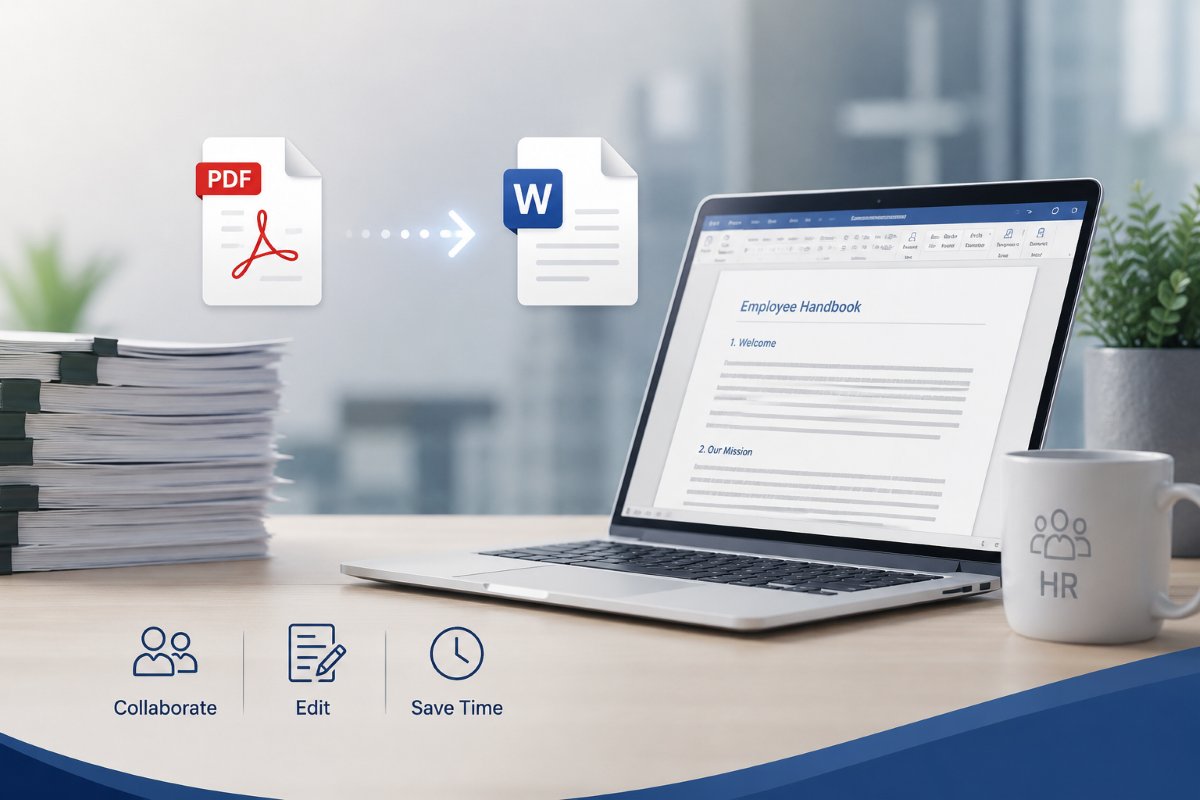
Administrative and HR teams handle large volumes of documents every day. Employee contracts, onboarding materials, policy updates, reports, and internal forms are often shared as PDFs because the format preserves layout across devices. PDFs are excellent for distribution, but they are not always ideal when edits are required.
This is where PDF to Word conversion becomes useful. By converting a PDF into an editable Word file, teams can update information, adjust formatting, and collaborate on documents without recreating them from scratch. For organizations that manage constant documentation updates, the ability to convert PDF to editable Word formats helps simplify everyday workflows.
Introduction to PDF to Word Conversion
PDF files are designed primarily for viewing and sharing finalized documents. Word documents, on the other hand, are built for editing and collaboration. When a document needs to be updated or reused, converting a PDF into Word often provides a more flexible format.
Modern conversion tools preserve most of the document structure, including headings, tables, and images. This allows teams to convert PDFs to Word while keeping the original layout largely intact.
For HR and administrative teams, this is especially useful. Policies, templates, and reports often need updates as regulations change or organizational processes evolve. Converting files from PDF to Word allows teams to edit content quickly while keeping documents organized.
Streamlining Document Editing and Formatting
Many organizations rely on PDF files for documentation, but updates are inevitable. Conversion tools make these updates easier and faster.
Simplifying Document Updates
One of the most common uses of PDF to Word conversion is updating document content.
HR teams frequently revise documents such as:
- employee handbooks
- policy guidelines
- onboarding instructions
- internal procedures
If these documents exist only as PDFs, editing them can be time-consuming. In some cases, teams may even have to recreate the document entirely.
When teams convert PDFs to Word, they can edit the document directly instead of rebuilding it. Text changes, new sections, or updated policies can be added quickly without affecting the entire document structure.
Enhancing Collaboration and Feedback
Another advantage of PDF to Word conversion is improved collaboration.
PDFs are ideal for final versions of documents, but Word files are better suited for editing and feedback. Word supports tools such as:
- tracked changes
- comments and suggestions
- shared editing across teams
When HR teams convert PDFs to Word, multiple stakeholders can review and edit them more easily. Managers, HR staff, and legal teams can all contribute feedback before the final version is published.
After revisions are complete, the document can always be exported back to PDF for official distribution.
Improving Document Accessibility and Searchability
Administrative and HR work often involves locating information quickly. Converting documents into editable formats can improve accessibility and usability.
Facilitating Easy Data Extraction
Many HR documents contain structured information such as employee data, policy details, or procedural instructions. Extracting this information from a PDF can sometimes be difficult.
When teams use PDF to Word conversion, the information becomes easier to work with. Tables can be edited, sections can be reorganized, and data can be copied into other documents or systems.
For example, HR teams may need to extract information from documents such as:
- benefits summaries
- compensation reports
- employee agreements
By converting the file from a PDF to Word, this information becomes easier to reuse and reference.
Enabling Quick Content Reuse
Content reuse is another important advantage.
Organizations often reuse sections of documents across multiple files. For example:
- policy language may appear in multiple documents
- onboarding instructions may be reused for different roles
- compliance statements may appear in various reports
When documents remain locked in PDF format, copying and reusing content can be inconvenient.
Using PDF to Word conversion allows teams to copy sections of text, update them, and insert them into new documents. The ability to convert PDF to Word supports faster document creation and helps maintain consistency across materials.
Boosting Productivity in Admin and HR Tasks
Administrative teams often spend significant time managing documents. Conversion tools help reduce repetitive tasks and allow employees to focus on higher-value work.
Automating Routine Document Processes
Many HR workflows rely on standardized documents.
Examples include:
- employment agreements
- onboarding forms
- training documentation
- internal policies
When documents exist in editable formats, they can be updated and reused quickly.
Using PDF to Word conversion allows HR teams to turn static documents into editable templates. These templates can then be modified for different employees or situations without rebuilding the file each time.
This helps reduce repetitive document preparation and keeps processes more organized.
Reducing Time Spent on Manual Data Entry
Manual data entry is another common challenge in administrative work.
In some cases, HR teams receive documents as PDFs that contain information they need to transfer into spreadsheets, systems, or new documents. Copying this information manually can be slow and prone to errors.
By converting files from PDF to Word, teams can extract information more easily. Text can be copied directly, and tables can be reused in reports or internal systems.
This small improvement can save significant time when working with large volumes of documents.
Ensuring Document Consistency and Professionalism
Maintaining consistent documentation is important for HR departments. Conversion tools can help ensure documents remain accurate and aligned with organizational standards.
Maintaining Brand Standards
Organizations often have specific formatting guidelines for internal and external documents. These may include:
- company fonts
- header styles
- logo placement
- standardized formatting
When HR teams convert files from PDF to Word, they can edit documents while preserving these visual elements. After updating the content, the document can be exported back to PDF while maintaining the correct formatting.
Reducing Errors in Document Creation
Another benefit of converting documents is reducing the risk of mistakes.
When teams recreate documents manually, errors can occur. Formatting inconsistencies, missing sections, or incorrect wording may appear during the process.
Using PDF to Word conversion allows teams to work directly with the original document structure. Instead of rewriting entire files, they can edit the existing content.
Final Thoughts
Administrative and HR teams rely on accurate, well-organized documentation to manage everyday operations. Converting files using PDF to Word tools allows teams to edit documents quickly, collaborate more effectively, and reuse existing content without rebuilding files.
By turning static PDFs into editable formats, organizations can update policies, improve collaboration, and reduce time spent on repetitive document tasks.
