

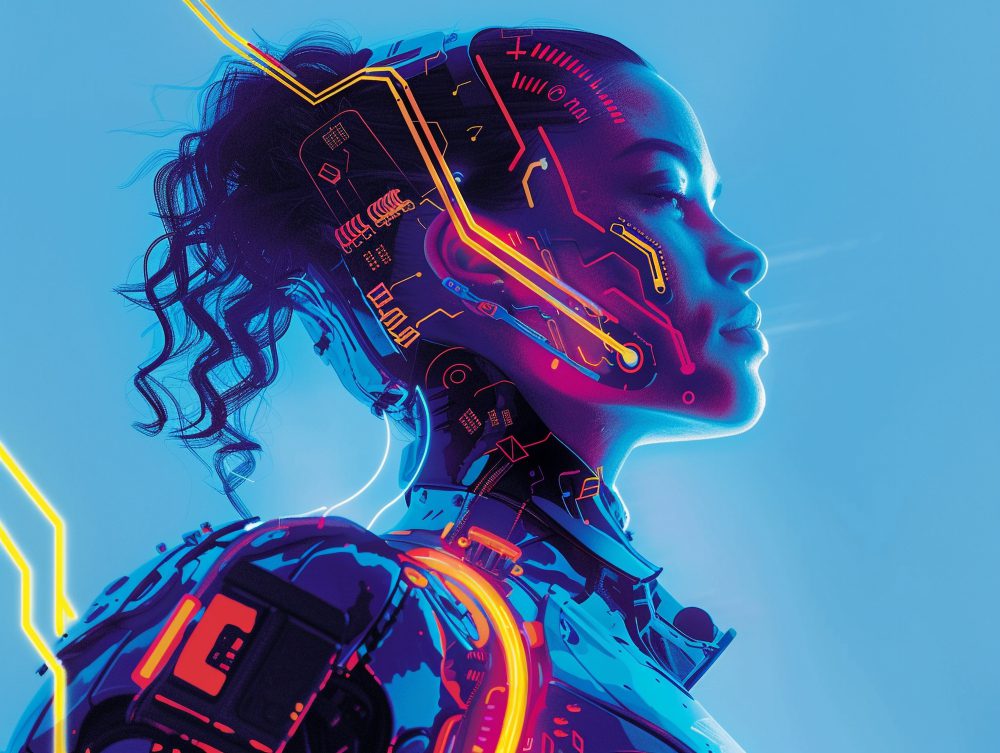
Generating art using AI is no longer about creating random images, but revolves around the fact that you can give depth to your imagination. The trick lies in the right coloring, detailing, and texturing. A few tricks can help you turn a flat image into something that feels alive. The popularity of digital tools is growing with each passing day, and people are becoming more and more creative to make every piece stand out. No matter if you want to create something just for fun or want to learn AI art, learning AI artwork is one of the most important things to do.
The good thing? We have listed the best 8 practices for coloring, texturing, and detailing in AI art. With the introduction of digital tools like OpenartAI, this process has become even easier. Read below and learn to refine every creative detail with precision and detail.
- Start with a Clear Vision
Before you get into AI Art creation, make sure to have a clear idea of what you want to create. With AI, you can create ample designs; however, the trick lies in knowing what you want to do. If your concept is clear, it gives direction to your outcome.
This is what you can do
- Be confident about the color palette.
- Understand what you want to do with the art: realistic, dreamy, or abstract.
- Make sure you have enough references to help the AI model.
If you have these points ready, it becomes easy for the AI model to create the art that you want.
- Master the Basics of Digital Coloring
Even if you are generating something using AI, the colors you choose play a major role. Make sure you choose subtle colors; start with base colors that set the tone, and if you wish to introduce vibrance and contrast, do it gradually to set up a decent tone.
When you understand coloring techniques, your artwork looks clean and balanced.
- Add Realistic Textures
Textures are one of the most important things in artwork. Choosing the right textures can help your artwork pop and make the details come out beautifully.
AI art platforms generate textures automatically, but you have to refine them yourself to make sure the resulting image doesn’t look AI-generated.
Some tips that you can follow
- Adjust lighting and contrast to get the best result.
- Don’t use repeated patterns.
- Overlay photographic textures.
- Focus on Light and Shadow
The mood and shape of your artwork depend on the lighting and shadows. Even if you have a detailed artwork, if you don’t use proper and perfect lighting,
Making the images more dynamic means you have to focus on adjusting light and shadow. Make sure to establish a direction from which light is coming to catch the dark spots.
Best practices
- Make sure you use different lights for different moods.
- Use stronger contrast for dramatic scenes.
- Make sure no unwanted reflections are in the frame.
- Balance Detailing with Simplicity
Detailing in digital art might sound easy, but if you don’t pay attention to the basics, your art won’t work out. Detailing is good, but too much of it can make your artwork look bulky.
Think from a viewer’s point of view and add detail to your main subject without giving excessive detail to other things. In short, try to keep your background as simple as possible.
Smart detailing tips
- Use small brushes for tough spots.
- Don’t forget to add highlights.
- Don’t use unnecessary textures in the background.
- Adjust Colors During Post-Processing
When you have processed your art, it is important to adjust the colors at the 6th stage. The AI model creates great visuals; however, editing after creation makes a huge difference.
Make sure to edit the brightness, contrast, and other details in this step to get the best results.
Color correction checklist
- Work on the natural look.
- Use artistic color effects.
- Increase saturation if needed.
If you want to invest in a good platform, OpenartAI is one of the best for you. It creates great images for your creativity. You can check it out once, and for the paid version, you can check out CouponzGuru, which provides you with verified promo codes that make your artist journey more pocket-friendly.
- Maintain Consistency Across Elements
If you want to make your artwork tell a story, make sure you are consistent throughout. When you use different styles and textures, either they should complement each other, or you should consider using only a single type.
Keep an eye on
- Lighting direction
- Colors and tones
- Brush styles and the uniformity.
You don’t have to make everything look the same, but make sure the elements belong in the same world.
- Keep Experimenting and Evolving
The last practice for coloring, texting, and detailing in AI art is experimentation. AI is evolving and changing with each passing day, and so should your art. You can play with colors even more with every update in AI tools for digital art. Experimentation ensures that you discover more horizons of creativity. Over time, you will develop a style that is more creative than anyone else.
Ideas to explore
- Try mixing your hand-made art with AI textures.
- Use color grading.
- Use different lighting for the same image to compare.
- Final Thoughts
AI art is not as difficult as it sounds if you take care of a few things. To get the best results, make sure you follow the above-mentioned steps to improve the workflow and create the best artworks of your life. Don’t worry about the perfection; make sure to give your best, and your artwork will get better with time.
