

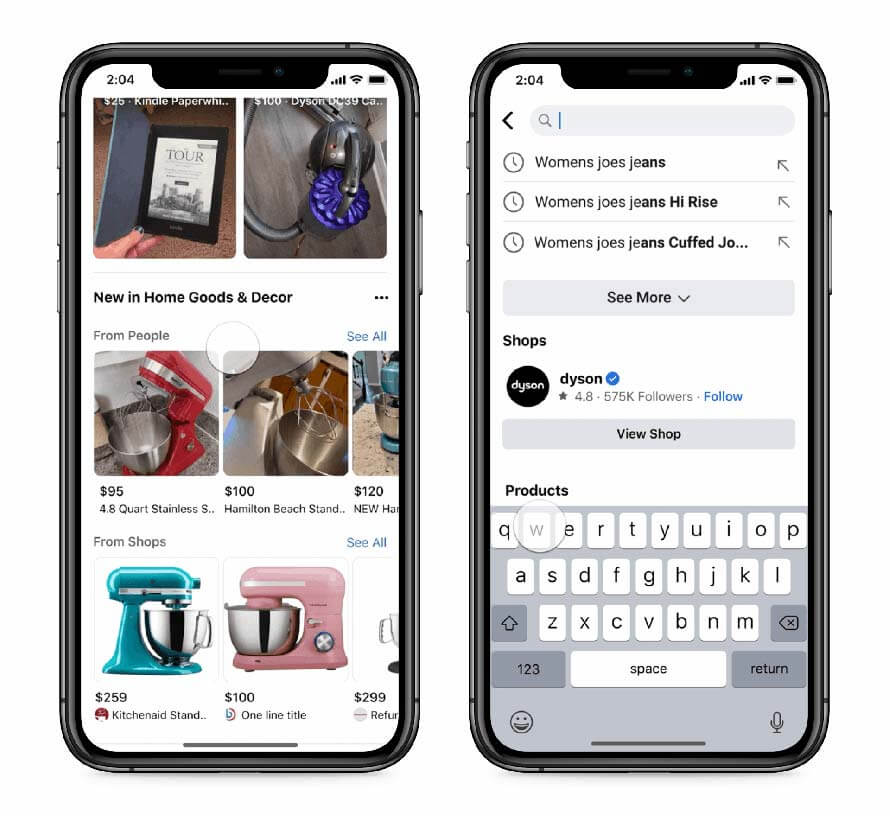
Facebook, the social media giant, has launched some new shopping features and discovery tools under its growing eCommerce efforts a few days back. On Tuesday, the company announced the Facebook shop feature expansion to Whatsapp and FB marketplace to personalize the shopping ads experience for its users. This new “shop” feature will also be available in the Facebook Marketplace of the United States. Here’s all you need to know about Facebook’s plan to expand the Shop feature to WhatsApp.
Check: Facebook Messenger New Features
Facebook’s Expansion to Shop Feature on Whatsapp and FB marketplace
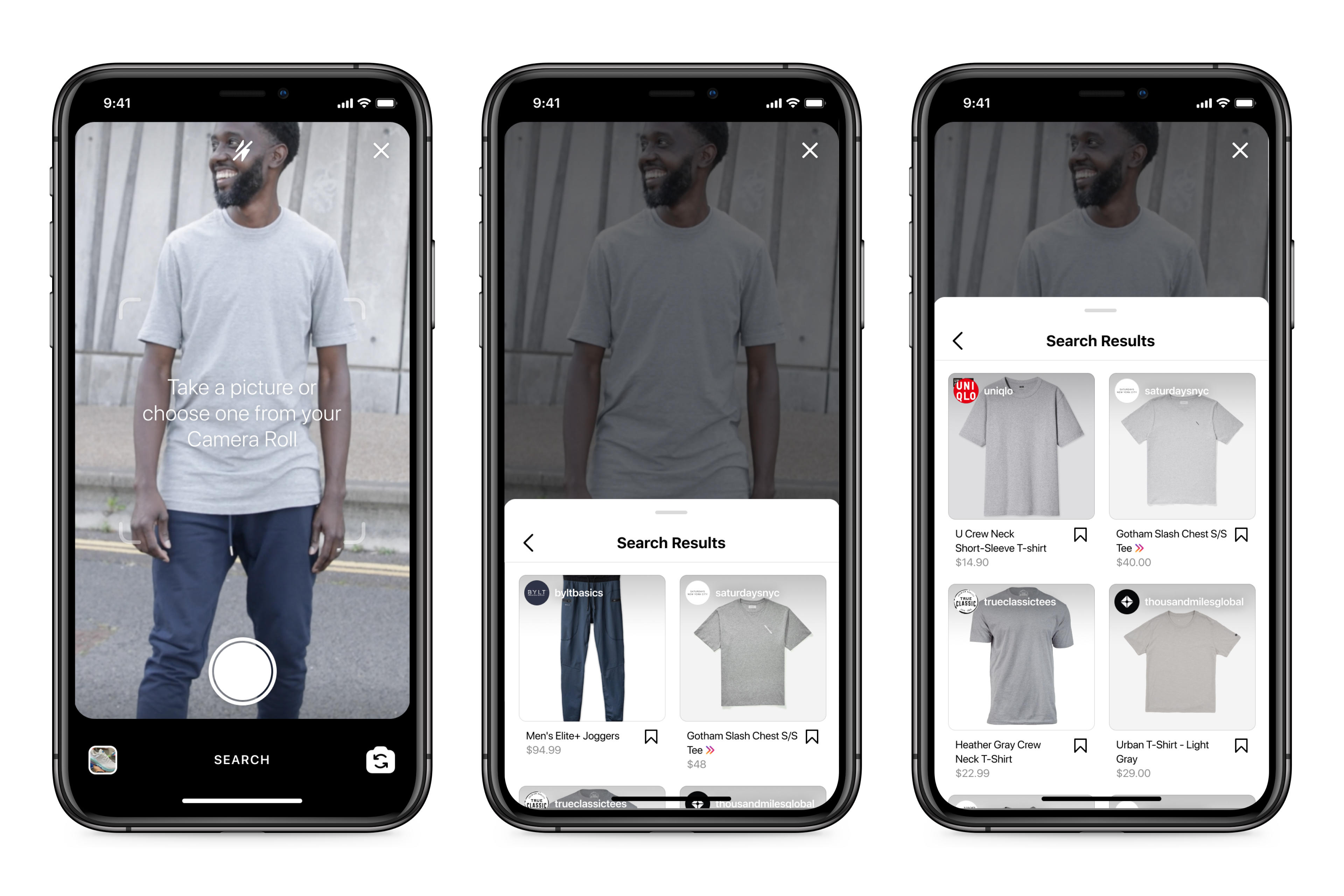
While the pandemic has impacted the offline shopping business, the online shopping purchase has increased over the time. Facebook has more than 300 million monthly Shop visitors & about 1.2 million monthly active Shops. In the coming days, the company will test an artificial intelligence tool called ‘visual search’ that will let users click pictures of an item from its photo-sharing site Instagram and find similar products on Shops.
The upcoming integration of the Shop feature on Whatsapp will make it easier for users to get products through shops in selected countries that will benefit both users and sellers. To expand its userbase to this shop feature, Facebook will reportedly add ‘Shops’ to the US marketplace too.

Image Source: Jagran Josh
Facebook will also display ratings and reviews on ‘Shops’ in Instagram along with the additional visual discovery tools to help shoppers find new products based on their shopping interests using the Augmented reality that will also allow the users to visualise the products before they buy.
The new “Visual Search” experience will send shoppers where they are most likely to make a purchase”, supported by their shopping preference. This new search will also assist people in uploading their own photos to find similar products, just like users do on Pinterest and Snapchat. This new visual search feature will be available on both Facebook and Instagram.
Facebook is also launching a new tool for brands to include AR product catalogues in ads that will automatically show the relevant products for users based on their shopping interests and previous purchases to increase sales and lead generation.
Also Check: Instagram Affiliate Shop Features
Final Words!
Along with the Facebook Shop Feature expansion on its marketplace and Whatsapp, the social media giant is investing heavily in artificial intelligence and Augmented Reality to make the shopping experience seamless and better for users to enhance the traction rate. This will help users stay on the platform for a long time & will surely attract more brands to invest in ads on all these platforms to get better sales & response.
These tools will help businesses find the right audience with Shopping Custom Audiences and ads with product tags. It will be interesting to see how users will respond to these new shop features and how they will help the platform in terms of monetization. If you have any queries related to these latest shopping tools or ads, get in touch with us in the comments. For more social media updates, stay tuned with us!
