

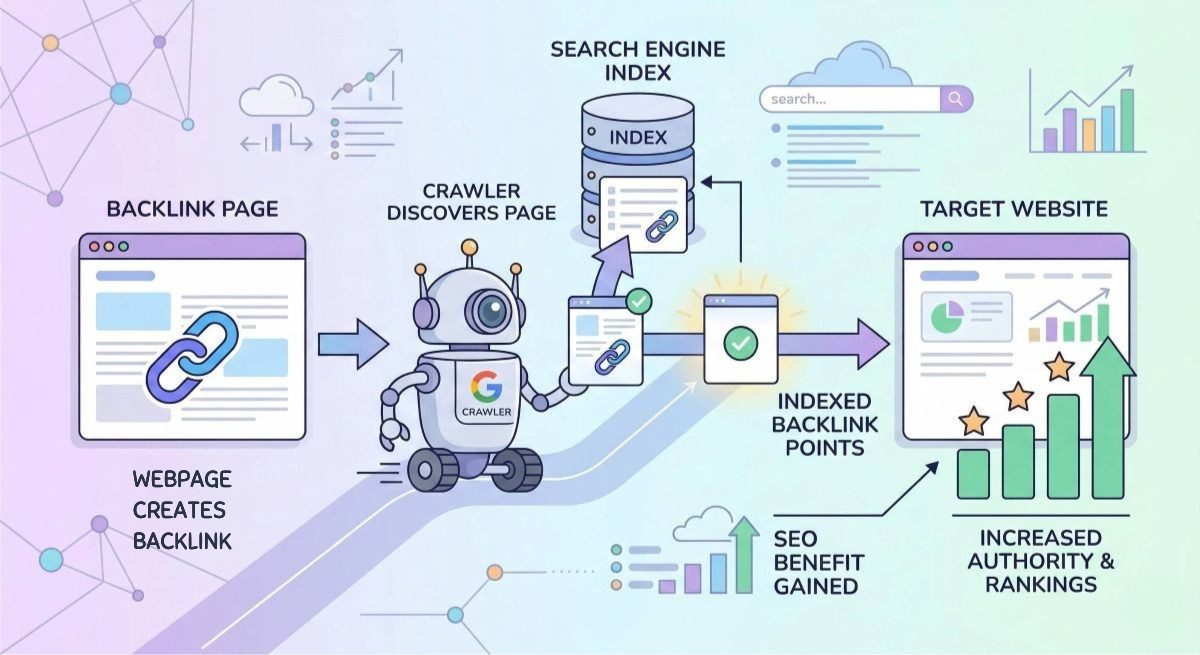
A backlink only has value if Google knows it exists. Many people spend money on guest posts and profile links, then wait weeks for rankings that never move. The problem is simple: the page containing your link is invisible to search crawlers.
If Google does not crawl the page, the link does not exist. You are essentially holding a ticket to a show that has already ended. To get results, you must force Google to discover the page.
Why Many Backlinks Never Get Indexed
Google ignores a massive portion of the internet. It does not have the resources to index every low-quality page created. Most backlinks fail to index because they are either hidden or they are worthless.
Technical Barriers to Indexing
A page can be technically sound but impossible for a crawler to find. These are the most common roadblocks:
- Robots.txt Blocks: The website owner may have settings that tell Google to stay away from specific folders. This happens often on forum and profile pages.
- Noindex Tags: A line of code can tell Google to see the page but never add it to the search results.
- Orphan Pages: If no other page on the website links to your guest post, Google has no digital trail to follow. Crawlers move from link to link. Without a path, the page remains isolated.
The Quality Gap
Google treats the web like a library with limited shelf space. It only saves pages that provide unique value or come from trusted sources.
- Low Authority Domains: New websites or sites with high spam scores are low priority. Google might only visit these sites once every few months.
- Duplicate Content: If your backlink is on a page that looks exactly like thousands of other pages, Google will skip it.
- Low Crawl Frequency: Search engines prioritize popular sites. If a site has no traffic and no fresh content, Google will not waste time checking it for updates.
Understanding these barriers is the first step. To fix the problem, you must create a crawl trigger that forces Google to take notice.
7 Proven Methods to Index Backlinks Faster
To index a backlink, you must trigger a crawl. Google uses a discovery process where its bots follow links from known pages to unknown ones. If your backlink is on a new or low-authority page, you must manually create a path for those bots.
Method 1: Use Ping Services (The Digital Tap)
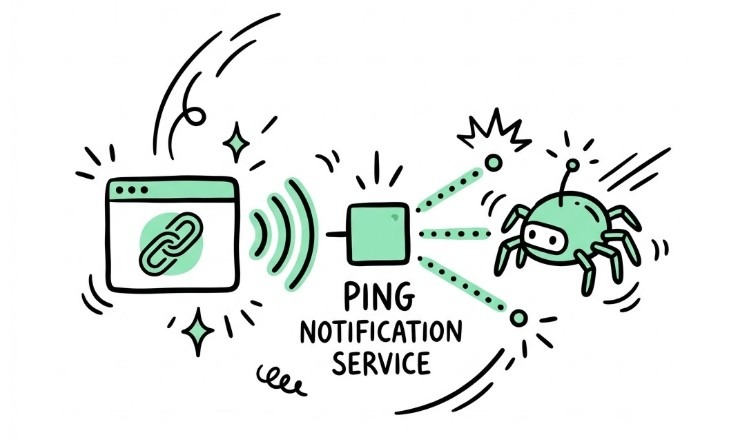
A ping service is a simple notification tool. It sends a signal to search engines and aggregators that a specific URL has new content or has been updated.
- The Workflow: Copy the URL where your backlink is located. Paste it into a tool like Pingomatic or Pingler.
- The Result: This acts as a request for a “crawl visit.” It does not guarantee indexing, but it ensures the page is on Google’s immediate to-do list.
Method 2: Create Tier-2 Links (The Authority Bridge)
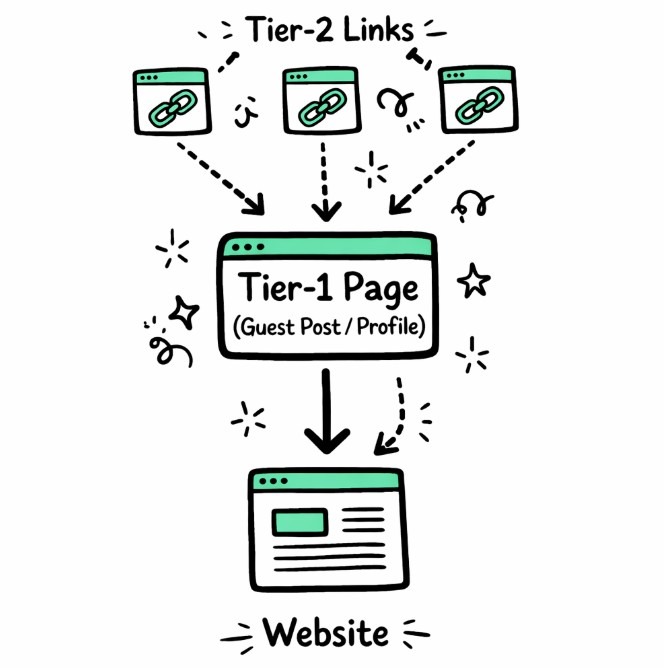
A “Tier-1” link is the one pointing directly to your site. A “Tier-2” link is a link that points to your Tier-1. This is one of the most effective ways to force discovery.
- Why it works: When you build links to your guest post or profile from Web 2.0 sites or social bookmarks, you create multiple entry points for crawlers.
- The Benefit: You are not just helping the page index; you are increasing the “page authority” of the site hosting your link. This makes the link more powerful once it finally hits the index.
Method 3: Trigger Crawling Using Social Signals
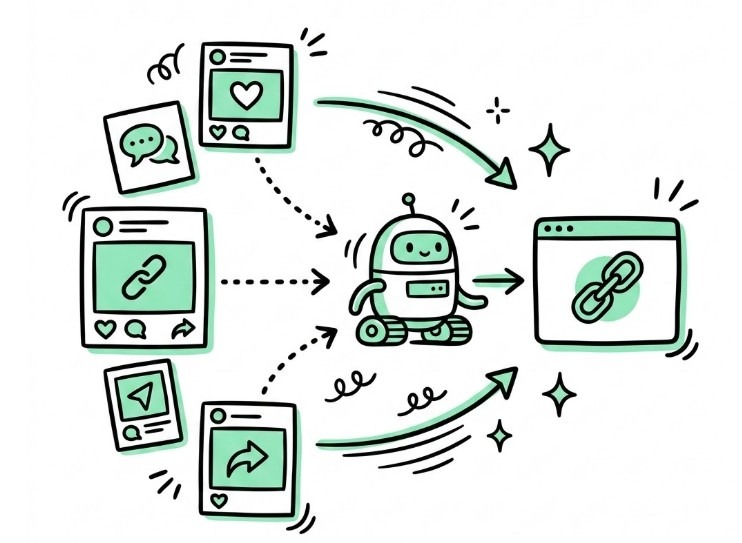
Social media platforms like X (Twitter), Pinterest, and Reddit are crawled almost constantly. Posting a link there provides a high-speed lane for bots.
- The Strategy: Share the URL of your backlink on these platforms.
- Pro Tip: Reddit and Pinterest are particularly effective because their pages are public and easily accessible to search bots. Even if the social link itself is “no-follow,” the bot still follows the path to your backlink page.
Method 4: Use Internal Linking on the Linking Site
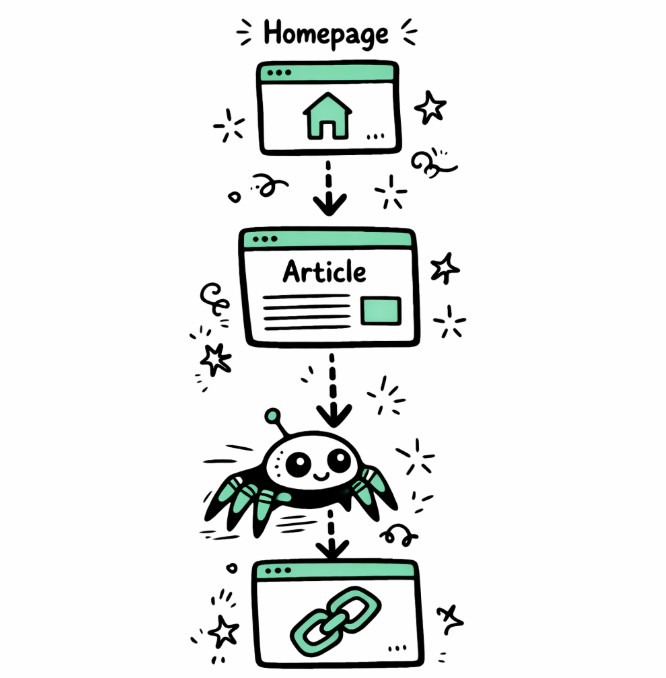
If you have control over the site hosting your backlink (such as a guest post where the editor allows minor edits), use internal links.
- The Tactic: Link to your new post from an older, already indexed article on the same domain.
- The Logic: Google already trusts and crawls the old article. By adding a link to the new one, you pass that “crawl budget” directly to your backlink.
Method 5: Submit the Page to Google Search Console
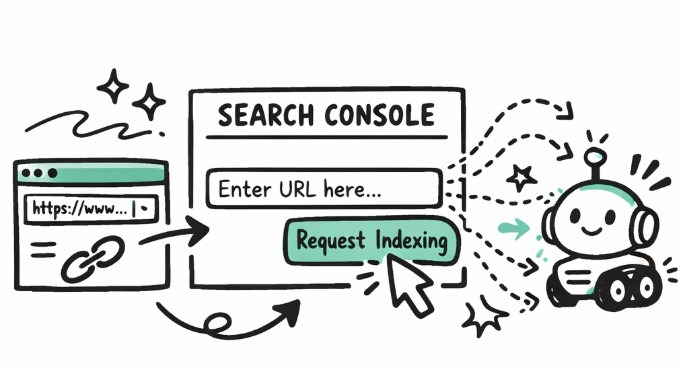
This is the most direct way to get a URL indexed. If you own the website where the backlink is located, you have a “private line” to Google.
- The Workflow: Log into your Google Search Console (GSC) account. Select the property. Paste the URL into the URL Inspection tool.
- The Action: Click “Request Indexing.”
- The Result: Google adds the URL to its priority crawl queue. This usually results in indexing within minutes or hours.
Method 6: Build Backlinks on High-Crawl Websites
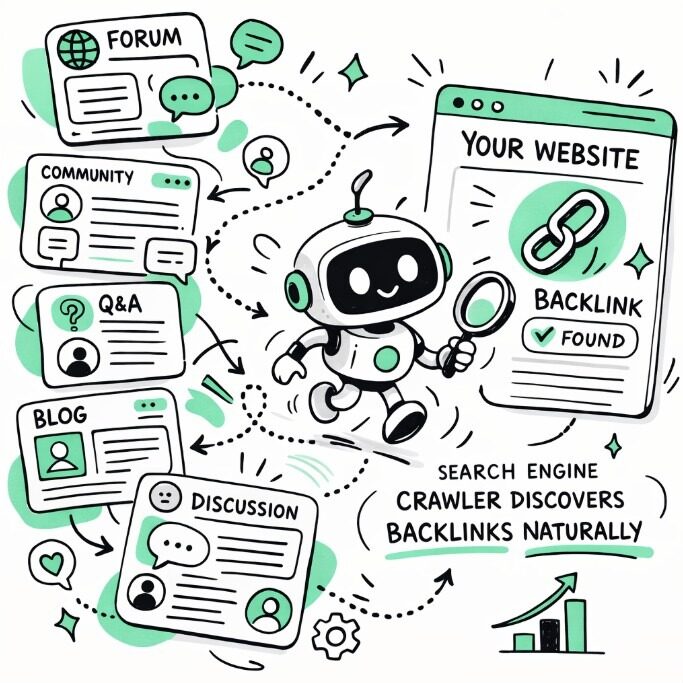
The easiest way to get indexed is to place links on sites Google already visits every few minutes. These are typically high-authority platforms with constant user activity.
- Platform Examples: Reddit, Medium, LinkedIn, and Quora are “crawl magnets.”
- The Logic: A link on a high-crawl domain is discovered naturally. You do not need pings or social signals because the bots are already there.
One of the most reliable ways to ensure backlinks get indexed is to place them on platforms that Google crawls frequently. These include forums, social communities, and profile pages. If you prefer to skip the manual troubleshooting, purchasing placements on high-crawl domains ensures the discovery phase happens automatically. You can buy manual profile backlinks or forum links that Google discovers and indexes naturally.
Method 7: Use Backlink Indexing Tools
If you are building links at scale (hundreds or thousands), manual methods are impossible. Professional indexing tools automate the “crawl triggers” mentioned above.
- How They Work: Tools like Omega Indexer or IndexMeNow use a combination of private crawl networks, pings, and short-term tier-2 links to force Google’s bots to the target URL.
- The Risk: Be honest about the quality. Forcing Google to index low-quality “spam” links can sometimes alert the algorithm to unnatural patterns. Use these tools for bulk profile links, but rely on natural methods for high-value guest posts.
How to Check if Your Backlinks Are Indexed
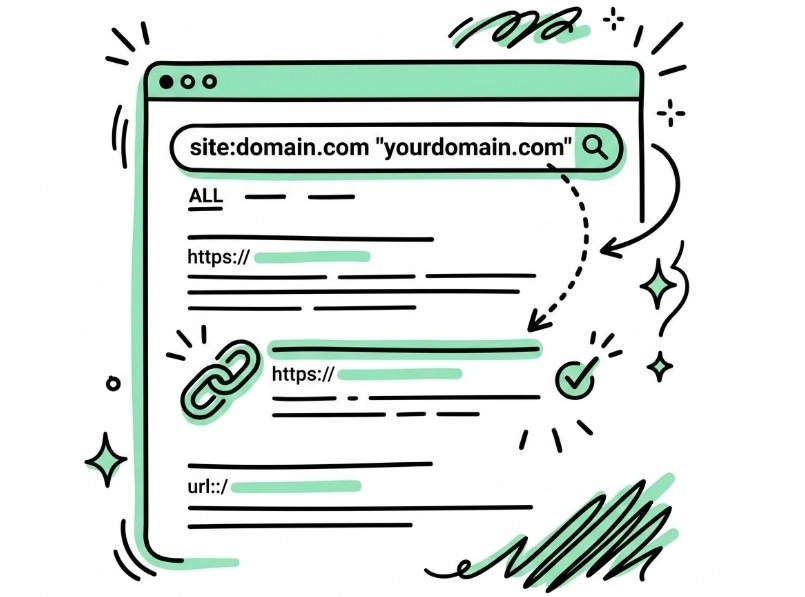
Do not guess if your strategy is working. You can verify indexing in seconds using a search operator.
- The Operator: site:domain.com “yourdomain.com“
- What it does: This tells Google to show only pages from the hosting domain that mention your website. If the page appears in the results, it is indexed. If the search returns “no results,” Google has not added the page to its database yet.
How Long Do Backlinks Take to Index?
The timeline depends entirely on the authority of the hosting site.
| Site Type | Estimated Indexing Time |
| High Authority (News, Large Blogs) | 1 – 3 Days |
| Medium Authority (Niche Blogs) | 1 – 2 Weeks |
| Low Authority (New Profiles, Web 2.0) | 1 – 2 Months |
Why Google Sometimes Ignores Backlinks Completely
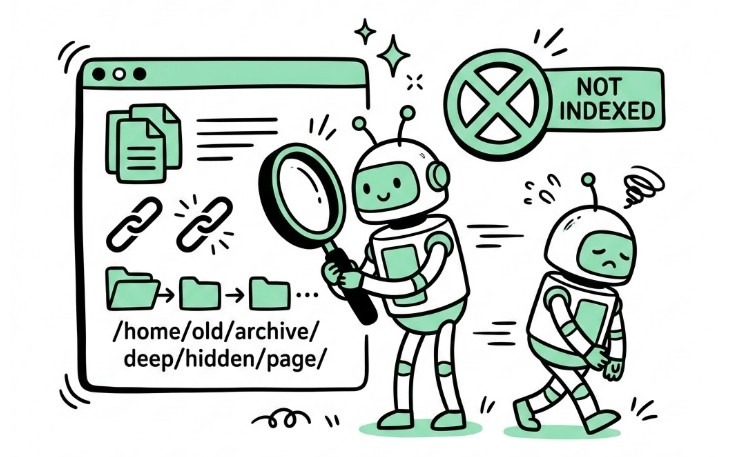
Sometimes, no amount of pings or social shares will work. Google may choose to “discover” a page but refuse to “index” it. This happens for three main reasons:
- Duplicate Content: If the article is a copy-paste job from another site, Google sees no reason to store it twice.
- Spam Signals: If a page is covered in outbound links to gambling or pharmaceutical sites, Google marks the entire domain as low-trust.
- Crawl Budget Limits: On massive sites, Google may only crawl the top layers. If your link is buried five clicks deep from the homepage, the bot may never reach it.
Frequently Asked Questions
Why are my backlinks not indexing?
Most likely, the page is an “orphan” with no internal links, or the site authority is too low for Google to prioritize crawling it.
Does Google index nofollow backlinks?
Yes. Google treats “nofollow” as a hint. It will still crawl the link and discover the destination page, even if it doesn’t pass direct ranking power.
Do ping services still work?
They are not a magic bullet, but they still serve as a basic “crawl request” signal that speeds up the discovery process.
