

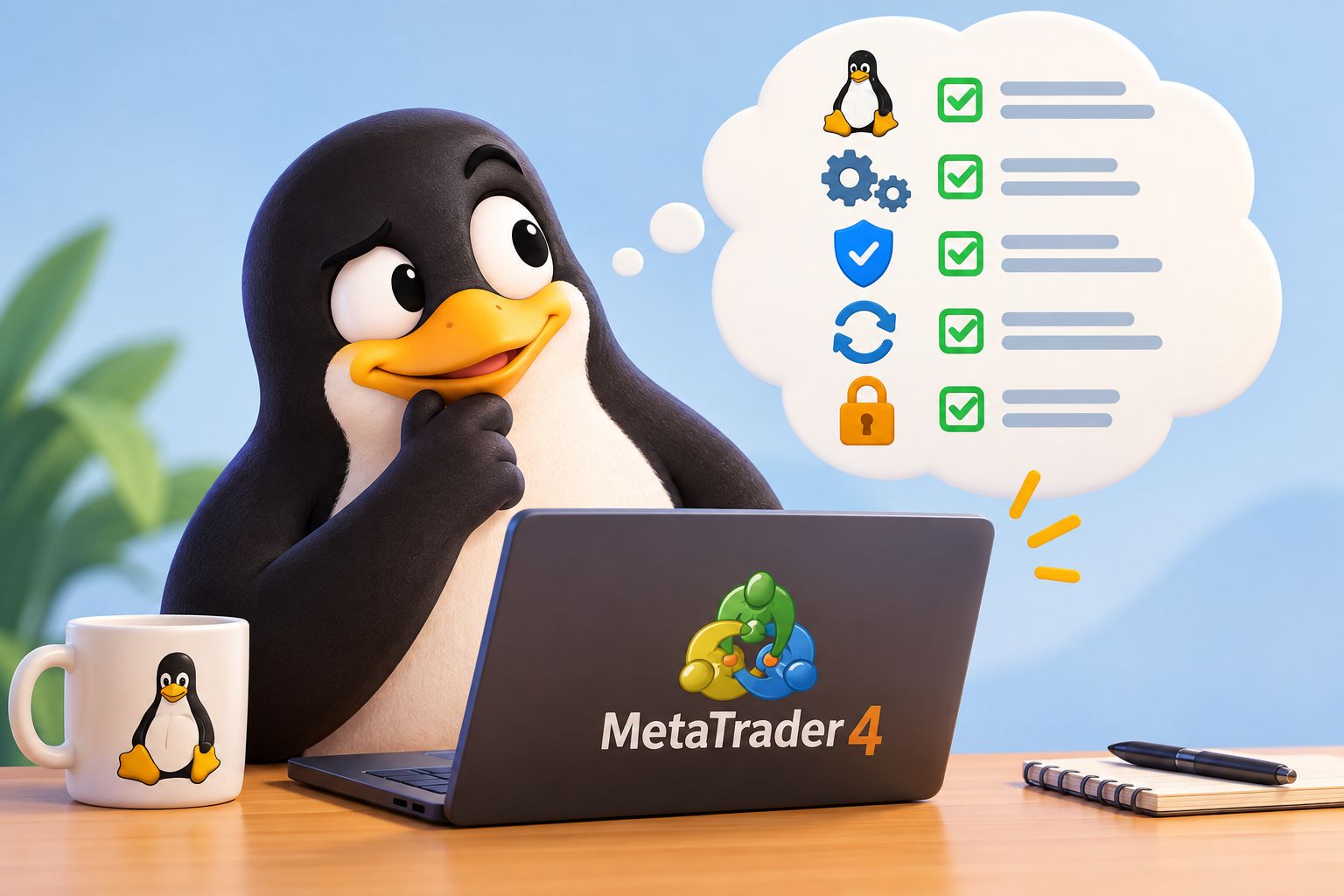
MetaTrader 4 (MT4) trading software supports a wide variety of devices and operating systems ranging from Windows to MacOs and Linux. Linux users who want to access the MetaTrader 4 trading platform have several options for running the software on their computers. While MT4 Linux setups can provide access to forex charts, indicators, expert advisors, and trading tools, there are a few important considerations to make before installing the platform. Understanding compatibility, installation methods, and broker support can help you avoid unnecessary problems.
Five Important Things to Note Before Downloading MT4 for Linux
Here are some key things to keep in mind before downloading MT4 for Linux:
- Check Your Linux Distribution
Linux users should consider checking the distribution and version on their computer before downloading the MT4 software. Ubuntu, Debian, Fedora, and other distributions may have different software requirements and package-management systems. Knowing your operating system version helps you determine which installation approach is most appropriate. It can also make troubleshooting easier if you encounter compatibility issues.
- Understand How MT4 Runs on Linux
Please note that MetaTrader 4 was originally designed primarily for Windows. Consequently, a Linux installation may require a compatibility layer or another method that allows Windows applications to operate on Linux. This is an important consideration for anyone looking for MetaTrader Linux solutions. Installation may not be as straightforward as downloading a native Linux application, so users should follow their broker’s recommended instructions.
- Use a Trusted Brokerage Platform
Avoiding unfamiliar websites offering modified or unofficial versions of trading software can potentially reduce your risk of computer exposure to security threats. A better approach is to use a reputable brokerage platform such as Weltrade to access and download MetaTrader 4 for Linux for free, subject to the broker’s current availability and account requirements. Using a trusted source can also make it easier to obtain installation guidance and trading support. Finally, always verify that you are downloading legitimate MT4 software and not an unofficial repackaged version before installation.
- Pay Attention to Updates and Compatibility
Software compatibility may change after updates to Linux distributions, compatibility layers, brokers or MetaTrader itself. Therefore, don’t assume that an installation method that worked previously will always work without adjustment. Keeping your operating system and relevant software components updated is as vital as checking broker guidance when problems occur.
- Prioritize Security and Account Protection
Trading platforms handle sensitive account information, so security should be a priority. As explained before, it’s advisable to download the software only from trusted sources and avoid suspicious installers or files promising unrealistic trading advantages. In addition, try to use strong account credentials, keep your computer protected, and be cautious when installing third-party Expert Advisors or indicators. Never provide your trading password to an unverified website or individual.
Downloading MetaTrader 4 for Linux can give Linux users access to a familiar trading environment. Checking your Linux distribution, understanding compatibility requirements, and choosing a trusted download source will ensure that your preferred trading tools work correctly. Users searching for MT4 Linux, MT4 for Linux or MetaTrader Linux can start with a reputable brokerage platform like Weltrade, which can simplify the process. Most importantly, treat software security and account protection as essential parts of setting up your trading environment.
