

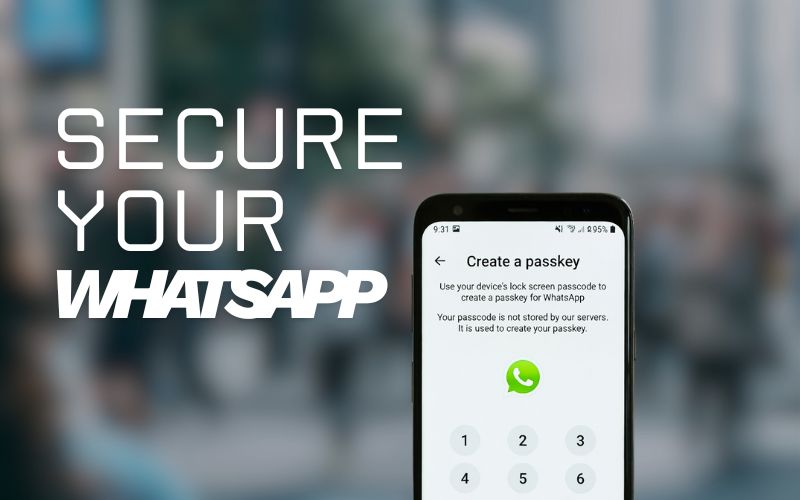
WhatsApp has quietly added a new layer of security for your chat backups. You can now protect your data with a passkey, using your fingerprint, face ID, or phone lock screen instead of long passwords or confusing 64-digit keys.
This feature makes it easier and safer to restore your chats if you reinstall WhatsApp or switch phones.
Table of Contents
What’s a passkey and why it matters
A passkey is a modern way to log in or unlock things securely without typing a password.
Instead of remembering codes, you use something you already have your face, fingerprint, or phone unlock.
WhatsApp stores your passkey safely inside your password manager, so it can’t be guessed or stolen easily. This system reduces the chances of hackers getting into your backup files, even if they somehow access your Google Drive or iCloud storage.
Before you start
Make sure you’re using the latest version of WhatsApp. The feature is still rolling out, so you might not see it right away but once available, it will appear in your settings.
How to create a WhatsApp passkey
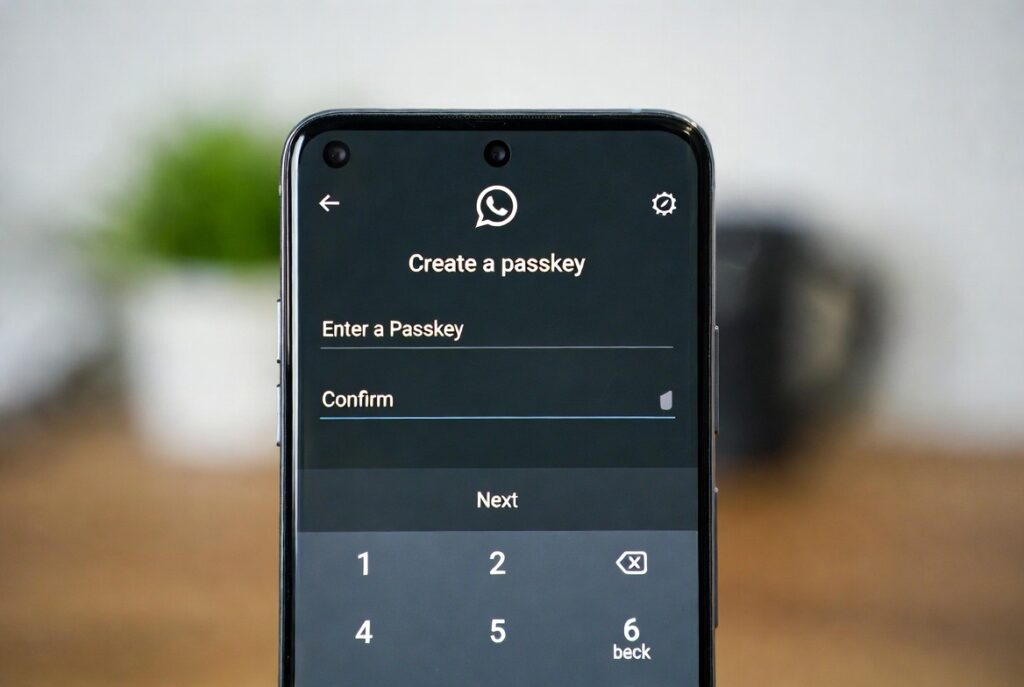
Follow these quick steps on your Android or iPhone:
- Open WhatsApp.
- Go to Settings → Account → Passkeys.
- Tap Create Passkey.
- Follow the on-screen steps to confirm with your fingerprint, face, or screen lock.
That’s it your passkey is now created and securely saved in your password manager.
How to protect your chat backups with a passkey
Once your passkey is ready, you can enable it for your encrypted backups:
- Open WhatsApp again.
- Go to Settings → Chats → Chat backup.
- Tap End-to-end encrypted backup.
- Choose Use Passkey and follow the instructions shown.
Your chats are now encrypted and locked with your personal passkey. Only you can unlock them not even WhatsApp can access that data.
Related: 5 Ways to Grow Your WhatsApp Channel Followers Organically
A few important notes
- If you lose your passkey or password manager access, WhatsApp can’t restore your backup.
- iPhone users should know that encrypted backups are not included in normal iCloud or iTunes backups.
- Meta says the feature will reach all users gradually in the coming weeks.
Related Services (for creators & businesses):
Buy WhatsApp Channel Members – https://socioblend.com/buy-whatsapp-channel-members
Buy WhatsApp Group Members – https://socioblend.com/buy-whatsapp-group-members
Why this update matters
Passwords and long encryption keys are easy to forget and risky to store. Passkeys make security simple by using your device’s built-in authentication. It’s a small step for WhatsApp, but a big step for privacy.
So next time you update your app, take a minute to set up your passkey. It’s quick, easy, and worth it.
Related: How to Know If Someone Blocked You on WhatsApp
