

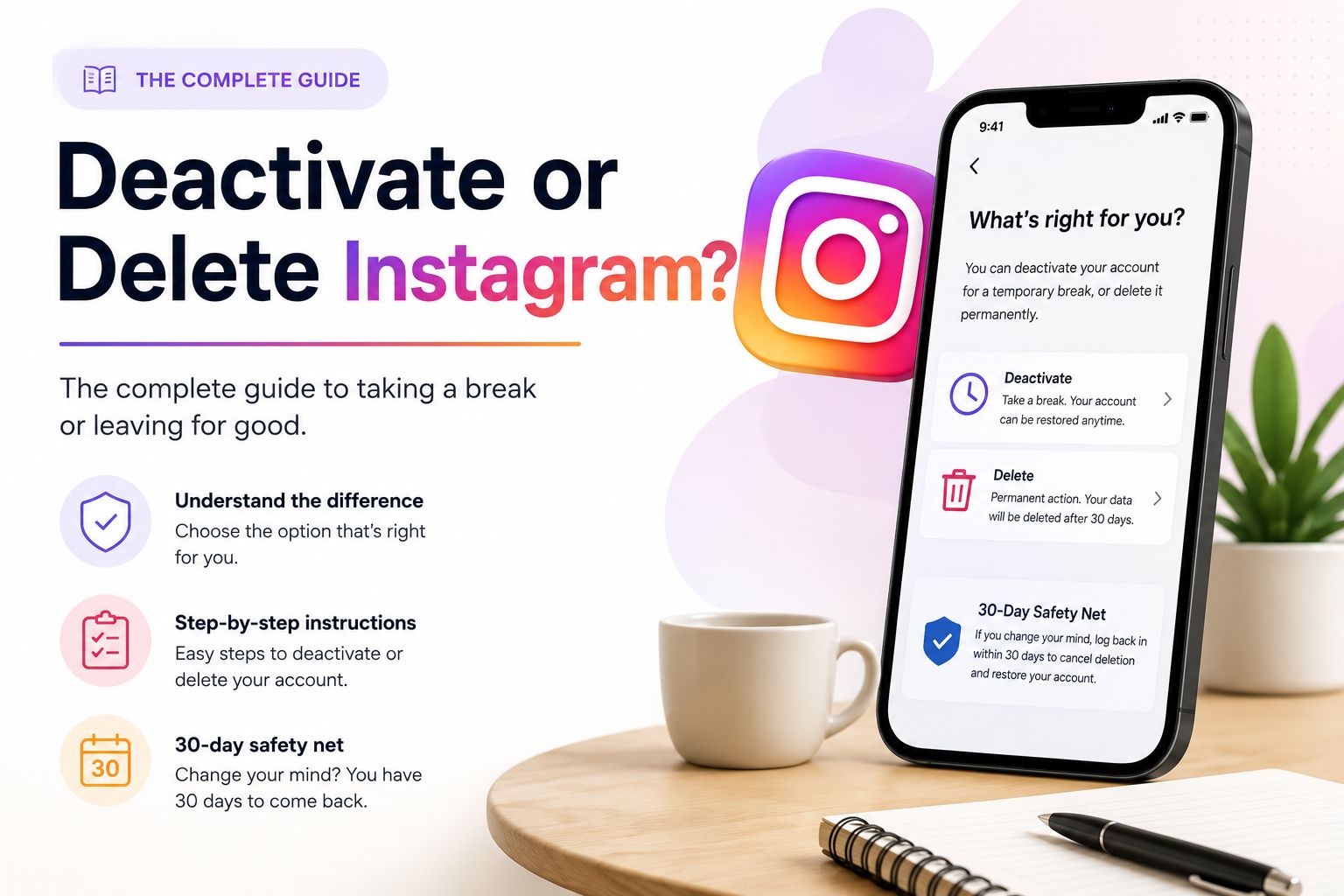
You must decide between a temporary break and a permanent exit. Both options hide your profile from the public immediately. The primary difference is what happens to your data after you click the button.
Understanding Deactivation
Choosing to deactivate your account is a temporary measure. It is the best option if you want to step away from social media without losing your history. Instagram saves your photos, comments, and likes. Your profile disappears from search results and friend lists. You can return whenever you want. Your account restores fully the moment you log back in.
Also read: How to See Who Shared Your Instagram Post
Understanding Deletion
Deleting your account is a permanent action. Use this option only if you want to erase your digital footprint on the platform forever. Instagram hides your profile immediately but waits 30 days before erasing the data. If you do not log in during this period, your photos and messages are gone. You cannot recover them. Your username also becomes available for anyone else to use.
Deactivation vs Deletion Comparison
Use this table to see the mechanical differences between the two choices. This helps you decide based on how much control you want over your data.
| Feature | Deactivation (Temporary) | Deletion (Permanent) |
| Visibility | Hidden from everyone | Hidden immediately, then erased |
| Data Recovery | Instant upon login | Impossible after 30 days |
| Username | Reserved for you | Released for others to claim |
| Linked Accounts | Threads also pauses | Threads is also deleted |
The “Before You Go” Checklist
You should complete these steps before you learn how to delete instagram account or deactivate it. These actions prevent you from losing access to your data or other websites.
- Download your data. Request a copy of your photos, videos, and messages. Meta often takes up to 48 hours to prepare this file. Do not start the deletion process until you have this file saved on your computer or phone.
- Audit your linked apps. Many users use the “Log in with Instagram” feature for third-party websites. These logins will stop working once you leave. You must set up new login credentials for those services first.
- Consider your Threads profile. Deleting your Instagram account also removes your Threads account. This is a manual, irreversible package deal. You cannot keep one while deleting the other.
Also read: Instagram Subscriptions: Features, Benefits And Requirements
How to Deactivate Instagram
Follow these steps if you want to take a temporary break from the platform.
- Open the Instagram app and go to your profile page.
- Tap the three lines in the top right corner to open the menu.
- Select Settings and activity.
- Tap Accounts Center at the very top of the list.
- Go to Personal details, then select Account ownership and control.
- Choose Deactivation or deletion.
- Select Deactivate account and follow the password prompts to finish.
How to Delete Instagram Account Permanently
The path for a permanent exit is nearly identical to deactivation. You simply choose a different final option in the menu.
- Navigate to Account ownership and control within the Accounts Center.
- Select Deactivation or deletion.
- Choose Delete account.
- Provide a reason for leaving. Instagram will suggest settings to help you stay, but you should continue to the final confirmation.
- Enter your password to verify your identity.
- Confirm the final deletion date.
The 30-Day Safety Net
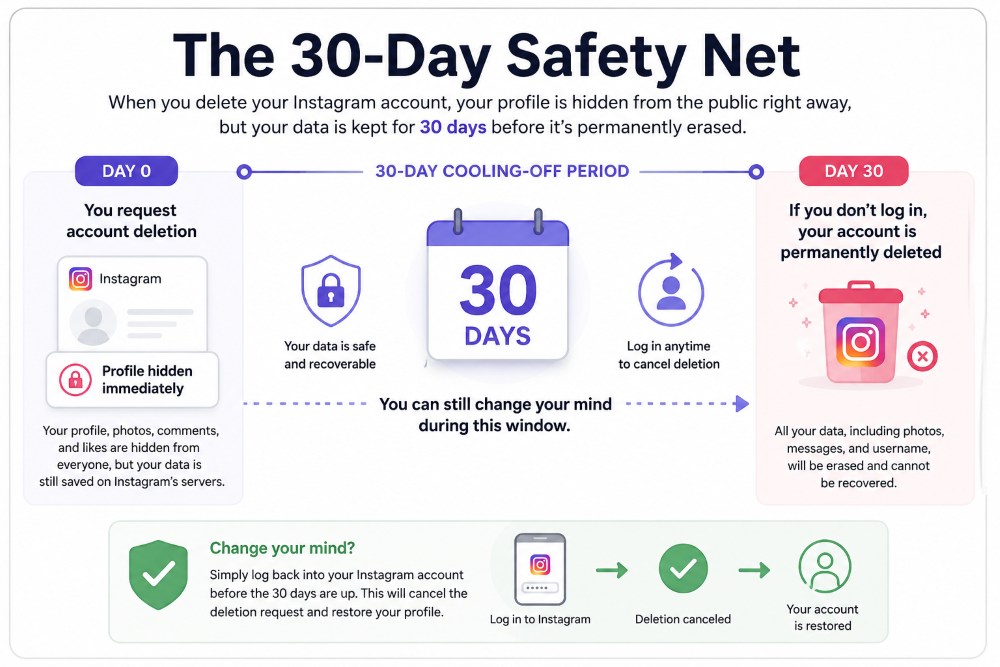
Instagram does not erase your information the moment you click the delete button. There is a 30-day cooling-off period. Your profile is hidden from the public immediately, but your data stays on the server for one month.
If you regret the decision, you can stop the clock. Simply log back into your account once before the 30-day deadline expires. This will cancel the deletion request and restore your profile.
Troubleshooting Common Roadblocks
Leaving a platform is not always a smooth process. Most users get stuck because of security settings or technical confusion. Use these solutions to bypass the most common issues.
- Forgotten Passwords. You cannot delete an account if you do not know the password. Instagram requires this authentication to prevent strangers from erasing your profile. If you are logged in but do not remember your credentials, you must reset your password first. Use the “Forgot Password” link on the login screen and follow the email instructions. You can only start the deletion process once you have full control of the account.
- Browser vs. App. The steps for leaving the platform are the same whether you use a mobile app or a web browser. The interface in the Accounts Center is consistent across all devices. If you do not have the app installed, you can complete every step by logging into Instagram.com on your phone or computer. The menus will look and function the same way.
- Managing Multiple Profiles. Many users manage several accounts for business or personal use. The Accounts Center often lists every profile linked to your identity. This makes it easy to click the wrong button. Always double-check the profile name and photo before you confirm a deletion. A mistake here becomes permanent once the 30-day safety window closes.
